Introducing FactoryLens: turn factory simulations into realistic customer experiences
Visual Components launches FactoryLens, extending its collaboration with NVIDIA for industrial digital twins. FactoryLens helps system integrators and machine builders present Visual Components simulations with realistic materials, lighting, and shadows, so more stakeholders can understand a proposed automation system.
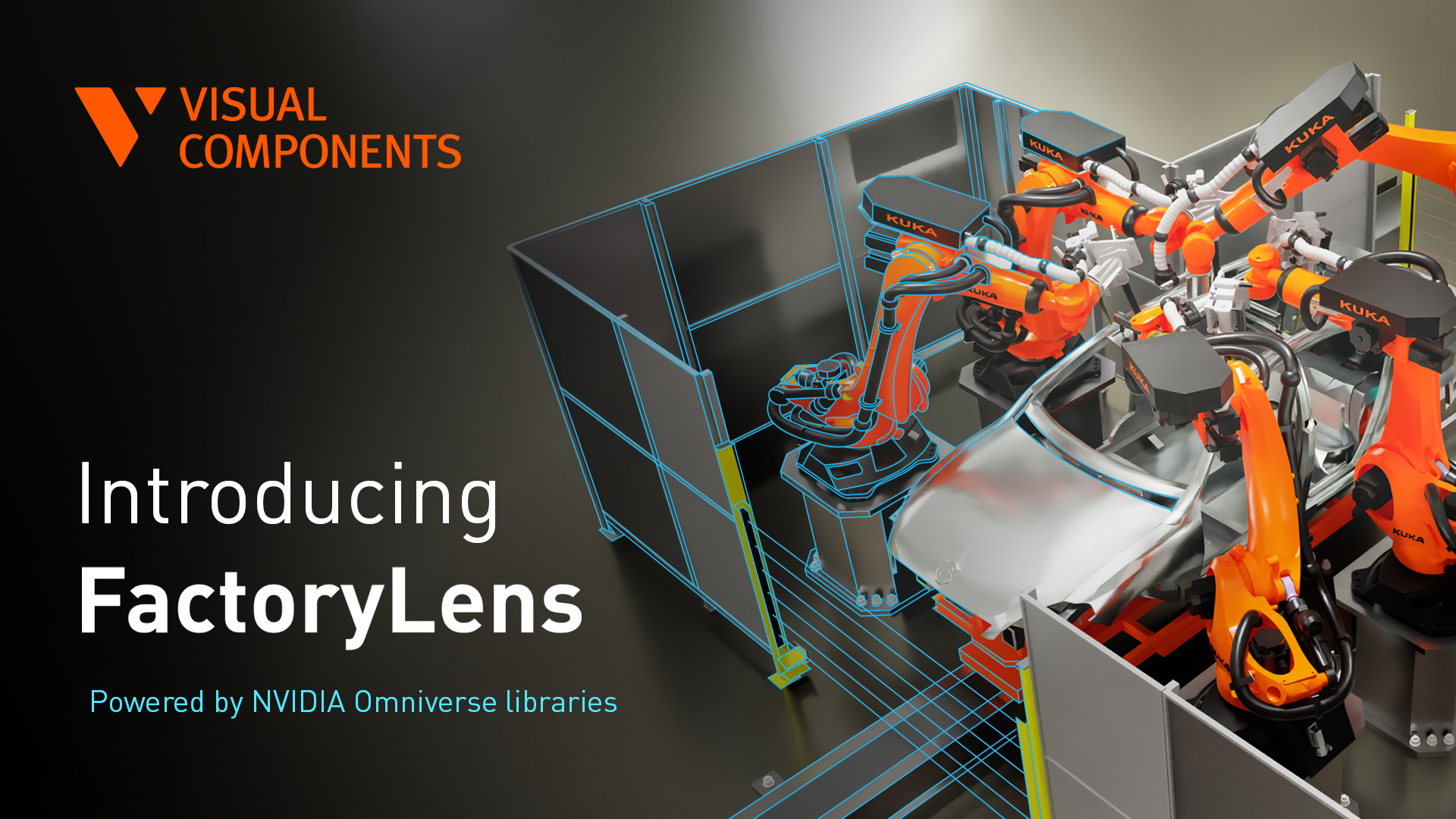
FactoryLens is available in the latest version 5.1.1 of our product. To purchase the license please contact us.
An engineering model proves that the automation concept works. Bringing simulations to life often requires reliance on external tools to render and bring visual realism with lighting, shadows and reflections.
This gap creates extra work. Exporting to external tools and reiterating increases the time it takes to complete the proposal in front of the customers. It can also generate communication over-head between sales & engineering teams.
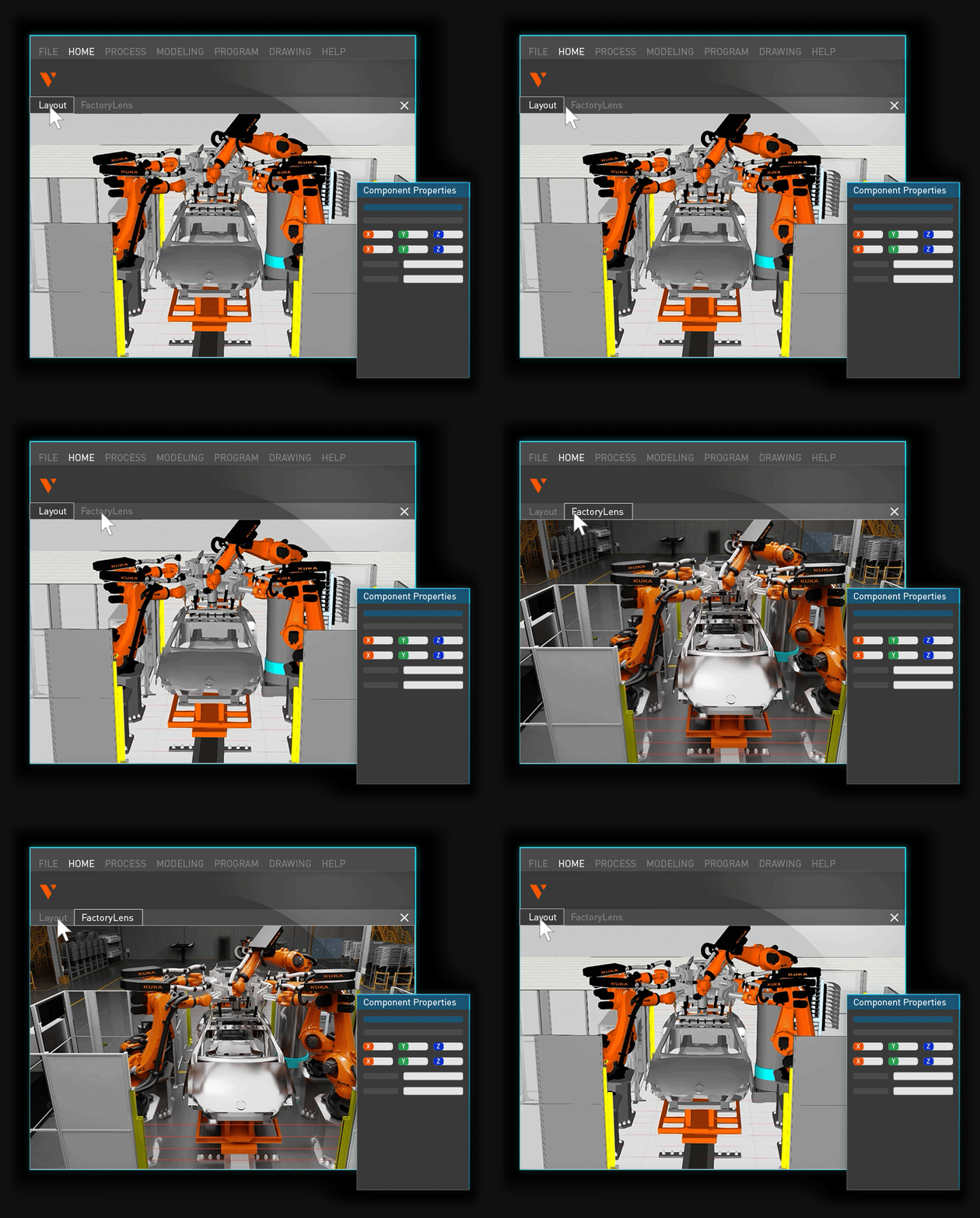
FactoryLens addresses this by bringing existing simulations into a more realistic digital-twin environment directly inside the Visual Components application. It gives manufacturers, system integrators and machine builders a clearer way to present complex automation without needing to hop between tools. Sales, engineering, project delivery, and marketing can work from the same visual reference.
What is FactoryLens?
FactoryLens, is a new viewport built directly into Visual Component’s simulation platform, powered by NVIDIA Omniverse libraries. Developed as the latest step in Visual Components’ collaboration with NVIDIA, FactoryLens lets manufacturers, system integrators and machine builders take the factory layouts they already use for simulation and move directly into a more realistic digital-twin environment, with real-time rendering in the software they already use.
The collaboration combines Visual Components’ simulation capabilities with NVIDIA PhysX for realistic physical behavior, NVIDIA Omniverse libraries for visual realism, and OpenUSD for interoperability. Together, these capabilities support physically, behaviorally, and visually realistic digital twins—helping customers connect how a factory looks with how it operates.
Review the proposed factory with greater confidence
An engineering view is made for engineering work. It helps specialists configure equipment, study production flow, find issues, and compare options. A customer presentation is built to impress and leave a long lasting impression.
Consider a system integrator presenting an automated production line. Operations want to see how material moves. Plant leadership wants to understand how the line fits the available space. Finance needs enough context to assess the proposal. Each group looks at the same system from a different angle.
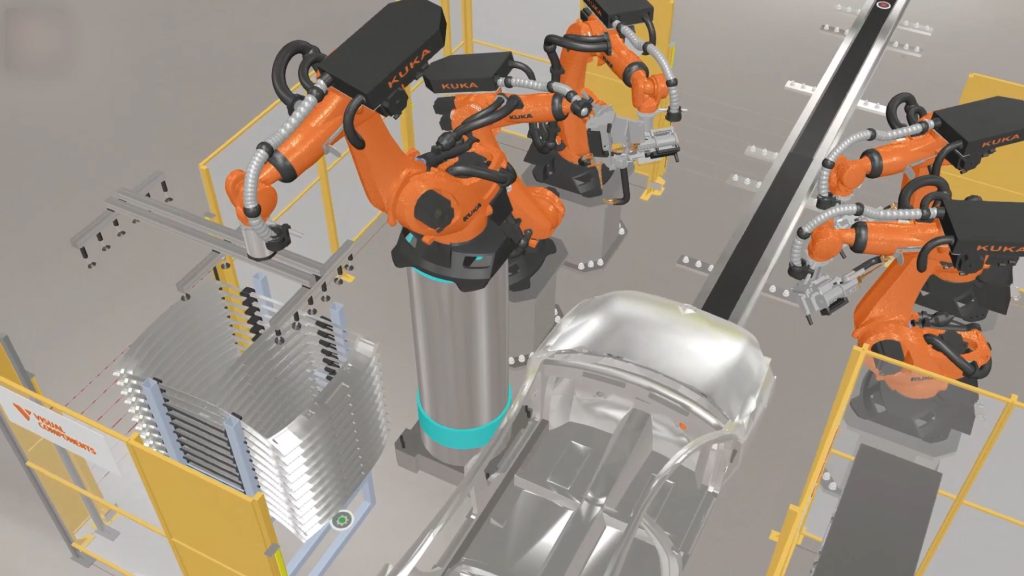
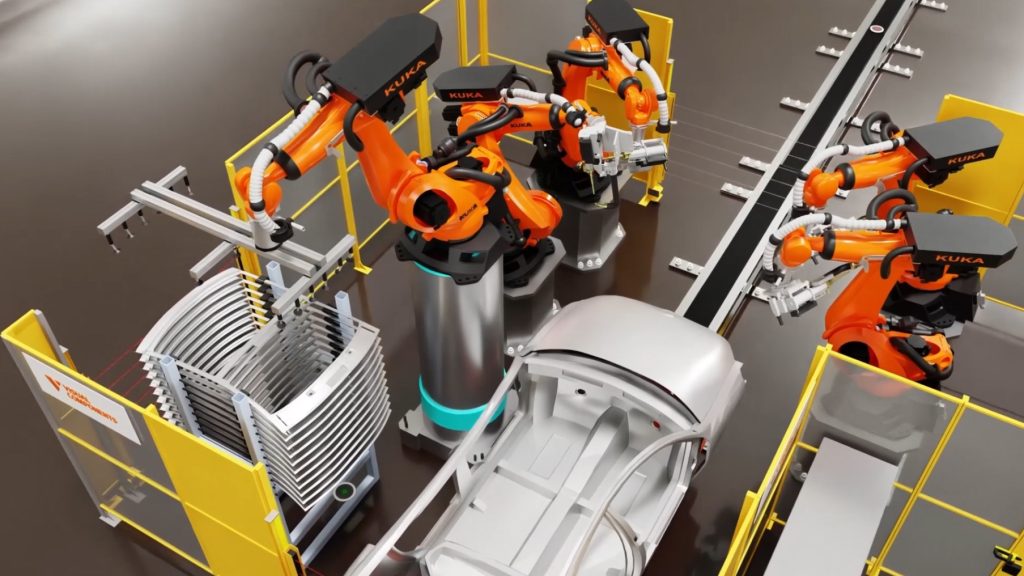
A realistic factory digital twin makes that conversation more concrete. Stakeholders can see the layout, equipment, and intended flow in a form that is easier to interpret. They can focus their feedback on the proposal instead of first learning how to read an engineering interface.
Digital twins cannot eliminate project changes. They can give everyone a clearer reference point early enough to ask useful questions and fasten the decision process.
Reuse one simulation across the project
Customer communication often becomes a separate production task. Teams capture animations for a proposal, create another set of visuals for a design review, and then prepare more material for handover or training. Marketing may also ask engineering to produce technically accurate content for an event or campaign.
FactoryLens helps teams extend the value from the simulation they already have:
- Engineering focuses on data output such as lead time, cycle time, system throughput, utilization level rates, reachability issues and collisions validates the work in Visual Components manufacturing simulation.
- FactoryLens brings visual realism to the existing simulation for customer presentations and design reviews. Sales and marketing use the same base layout to create impressive presentations for customer communication.
- Teams use the same underlying simulation as a consistent reference during handover, training, and approved marketing activities.
As capabilities evolve, engineering and AI teams reuse the same factory layout for physical AI workflows such as, generating synthetic images to train and evaluate a robot’s vision system under different lighting conditions and part positions before deployment.
The engineering model stays at the center of the workflow. Teams have less reason to recreate the factory in another visualization tool for each audience, and sales and delivery can discuss the same proposed system.
Reusing the simulation enables teams to carry their engineering investment forward—from proposals and design reviews toward future physical AI development and validation. The factory layout becomes a shared starting point for new workflows, reducing the need to recreate the production environment for each application.
One view, practical value across teams
Scale the selling and communication of complex automation solutions without scaling presales engineering effort at the same rate. Reuse existing simulation assets to accelerate customer decisions, strengthen handovers and protect project margins.

Technical sales teams can present a proposed automation system in a format that works for both technical and non-technical stakeholders. The simulation gives the presentation a credible engineering foundation, while the more realistic digital-twin environment makes the intended outcome easier to see.
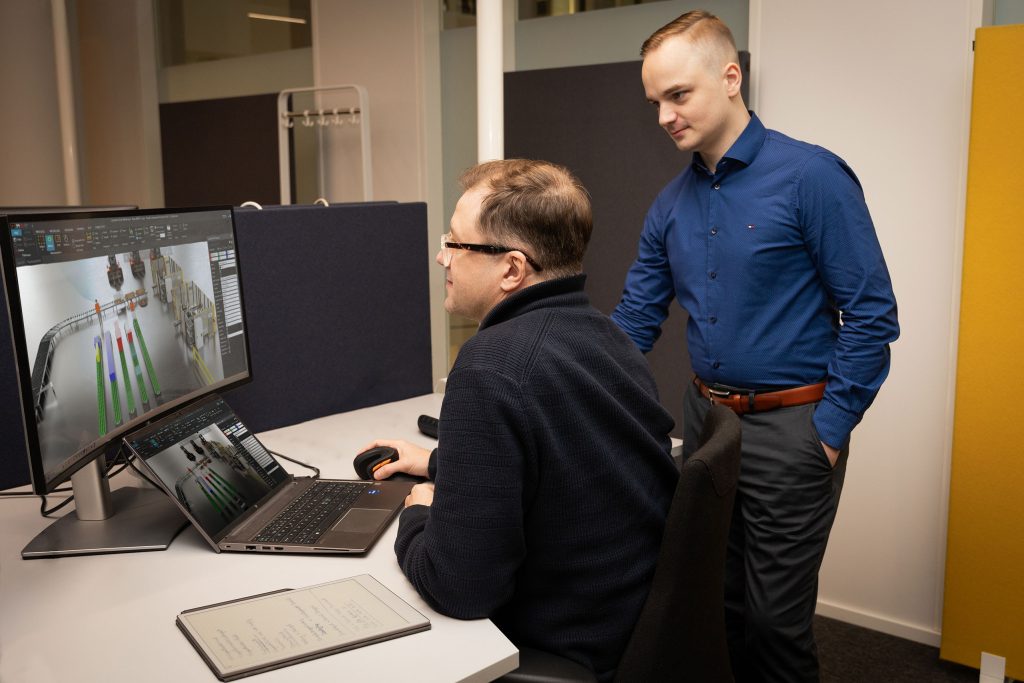
Gain a more consistent reference for design reviews and handovers. When sales, customers, and delivery teams start from the same simulation, they have a better basis for finding misunderstandings before commissioning.
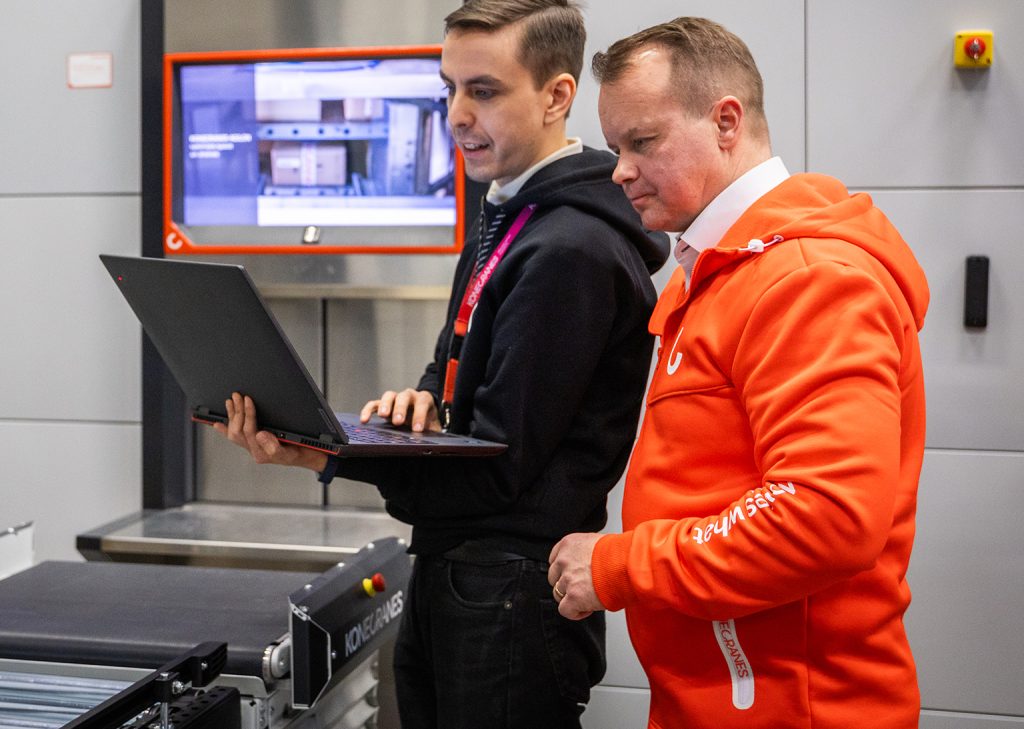
Work with realistic, technically grounded factory views for campaigns, events, and sales enablement. This can reduce their dependence on generic factory photography or visuals that don’t reflect the proposed solution.
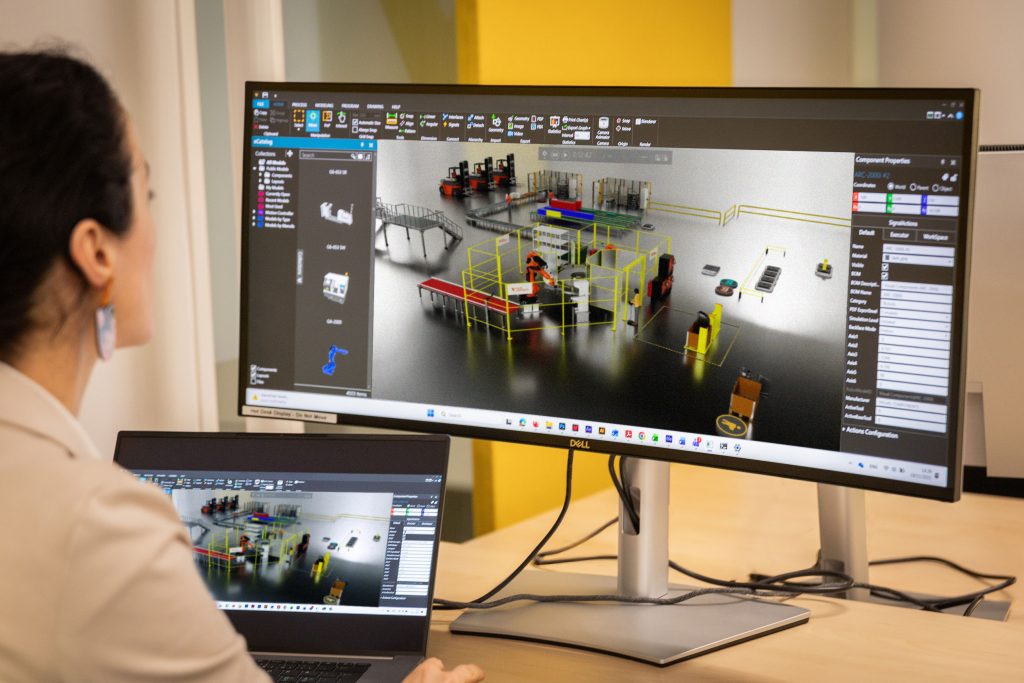
Results will vary by project and workflow. Teams still need clear requirements, design reviews, and sound engineering judgment. FactoryLens gives those teams a clearer way to see and discuss the proposal.
How FactoryLens fits the Visual Components workflow
Visual Components 5.1 helps teams simulate large factories, mobile resources, physics-based behavior, and controller logic. FactoryLens extends that work with real-time visual realism, image and video capture, and OpenUSD export, connecting existing simulations to a broader digital-twin workflow.
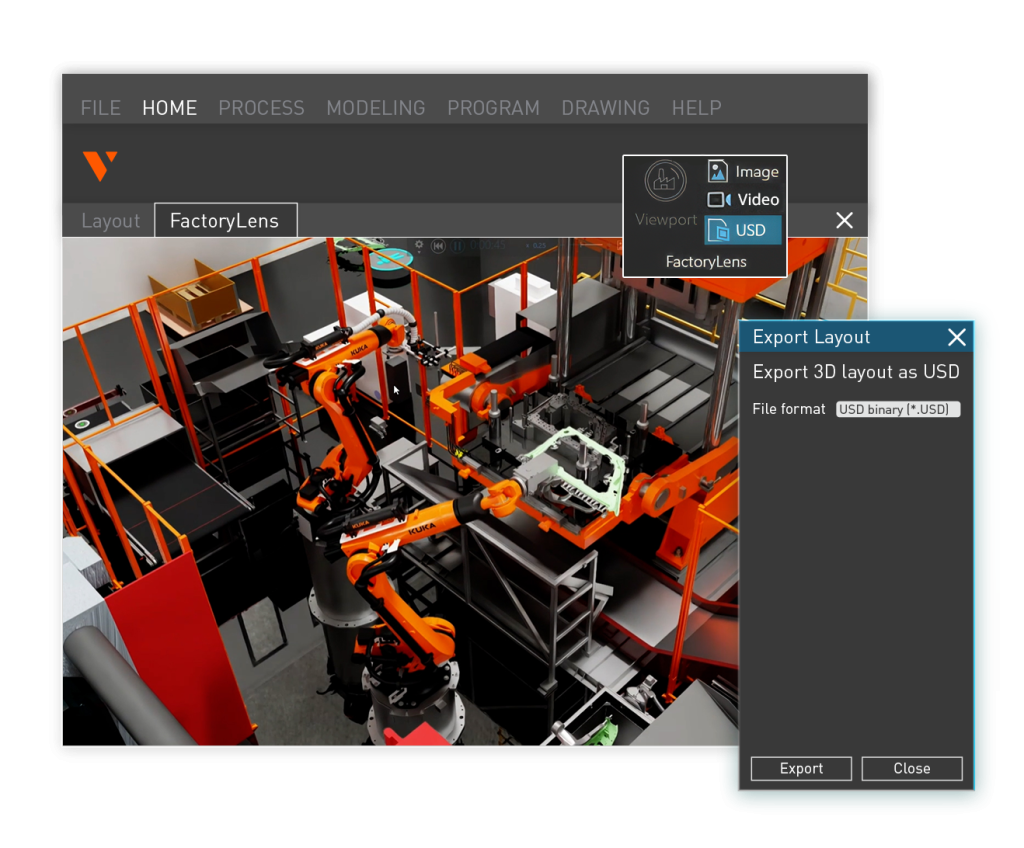
These capabilities work together in a connected workflow:
- Build, simulate, and validate the factory in Visual Components.
- View the simulation with realistic materials, lighting, and shadows in FactoryLens, and capture images and video for reviews and customer communication.
- Export factory configurations using OpenUSD for use in compatible external applications.
For system integrators and machine builders, this connects technical proof with a customer-ready experience. The existing engineering model remains the foundation, with FactoryLens extending how teams visualize, communicate, and reuse it.
Make complex automation easier to understand
Customers should not need simulation expertise to understand the proposed factory. Sales teams should not have to rebuild every engineering view for a different meeting. Engineers should not have to explain the same visual details whenever a new stakeholder joins the conversation.
FactoryLens helps turn one Visual Components simulation into a clearer visual reference from proposal to handover. It gives technical and non-technical teams a better way to discuss the future factory before delivery begins.
“We believe the future of manufacturing is built on connected digital twins, not isolated applications. FactoryLens is our first step in bringing NVIDIA Omniverse libraries into Visual Components, so manufacturers can see how their factories will really look and behave before they build them, while keeping the productivity and ease of use our customers already know.”
Mika Anttila, Chief Technical Officer and Co-founder at Visual Components.
FactoryLens is the next phase of the Visual Components and NVIDIA roadmap. It brings NVIDIA’s open libraries and frameworks into the Visual Components ecosystem, combining physical behavior, simulation logic, and visual realism into connected digital twins. As capabilities evolve, the roadmap aims to extend the value of existing factory simulations into engineering and physical AI workflows, guided by customer use cases and enabled by interoperability across the OpenUSD ecosystem.
What our customers say about FactoryLens
SEJFO Group
Sejfo Group, a Swedish automation provider, currently use separate rendering software to create images and videos of our simulation projects for customers. While the results can look great, the process is often time-consuming, especially when design changes are required. Any update means going back to Visual Components, making the modification, exporting the model again, and then redoing rendering work in Blender.
With FactoryLens, that workflow becomes much simpler. There is no need to learn a new rendering tool or workflow. FactoryLens provides a high-quality rendered view with a single click, making the entire process fast and hassle-free.
Erik Andersen, Technical Sales / Concept Developer at SEJFO Group was very impressed by how well FactoryLens handles challenging materials such as glass and metals. If a material needs adjustment, it can be modified directly in Visual Components and immediately viewed again in FactoryLens without any complicated export process. Another major benefit is robot cabling. In traditional rendering workflows, cabling often needs to be rebuilt manually in secondary rendering software, but FactoryLens displays it correctly without requiring additional work.
FactoryLens significantly reduces the effort required to create customer-ready visuals while making design iterations much faster and more efficient.
I don’t have to export to another environment but can go back and forth between a rendered viewport and working viewport without any delay. FactoryLens offers a great and very flexible way to present the simulation over a video meeting.
Erik Andersen, Technical Sales / Concept Developer at SEJFO Group
Further reading

Mike Strahlman on what comes next for Visual Components
As the new CEO of Visual Components, Mike Strahlman shares his vision for the future of manufacturing simulation, digital twins, and automation planning. In this interview, he explains why factories...
Introducing Visual Components 5.1 – Orchestrate the floor with ease
Simulate large factories with smarter mobile robot navigation, reliable physics, and real controller logic. Visual Components 5.1 makes it easier to simulate large factories with mobile robots, accurate physics, and...
Visual Components partners with CADENAS to deliver millions of vendor-verified CAD models for 3D manufacturing simulation
Seamless access to verified CAD models At Visual Components, we strive to improve how our users plan, simulate,...