Products
FactoryLens
Turn factory simulations into realistic customer experiences.
Turn factory simulations into realistic customer experiences

Keep the workflow fast and easy
Create layouts as usual and switch to FactoryLens to experience them with realistic materials, lighting, and rendering. No rebuilding, no complex pipeline.

Continue your workflows anywhere
Export your factory’s physical configuration via USD and enjoy the freedom to continue your workflows anywhere.

Improve decision-making
When layouts look more like reality, engineers, managers, customers, and non-technical stakeholders can evaluate alternatives, align faster, and make decisions with greater confidence.
Visual Components FactoryLens
FactoryLens, a new viewport built directly into Visual Component’s simulation platform, is powered by the NVIDIA Omniverse libraries. FactoryLens lets manufacturers, system integrators and machine builders take the factory layouts and move directly into a more realistic digital-twin environment, with real-time rendering.
Scale the selling and communication of complex automation solutions without scaling presales engineering effort at the same rate. Reuse existing simulation assets to accelerate customer decisions, strengthen handovers and protect project margins.

Technical sales teams can present a proposed automation system in a format that works for both technical and non-technical stakeholders. The simulation gives the presentation a credible engineering foundation, while the more realistic digital-twin environment makes the intended outcome easier to see.
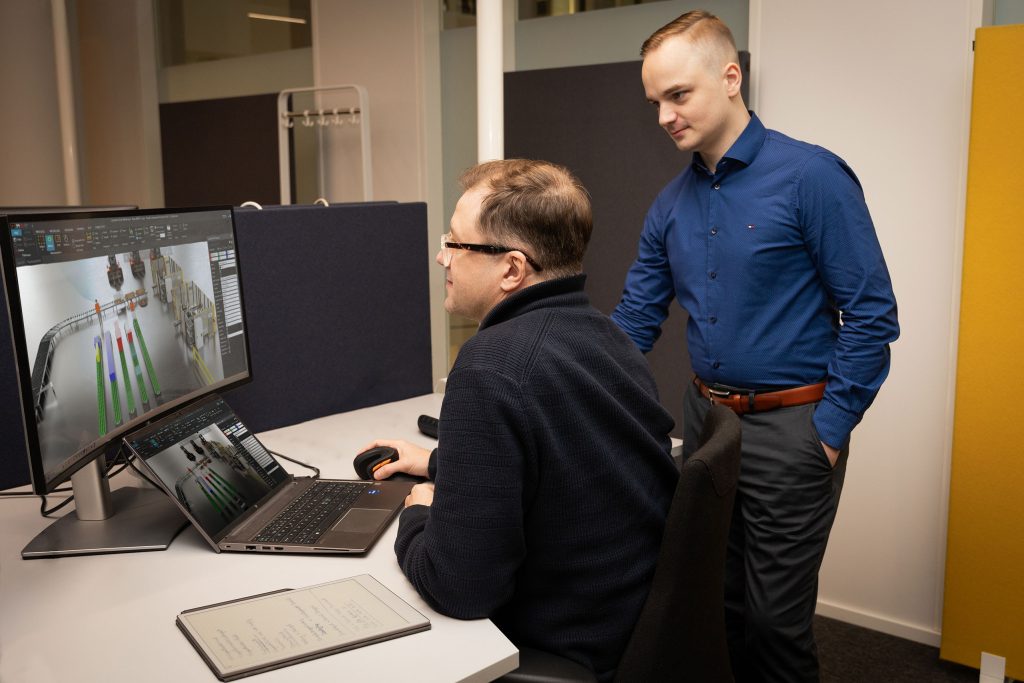
Marketing teams can work with realistic, technically grounded factory views for campaigns, events, and sales enablement. This can reduce their dependence on generic factory photography or visuals that don’t reflect the proposed solution.
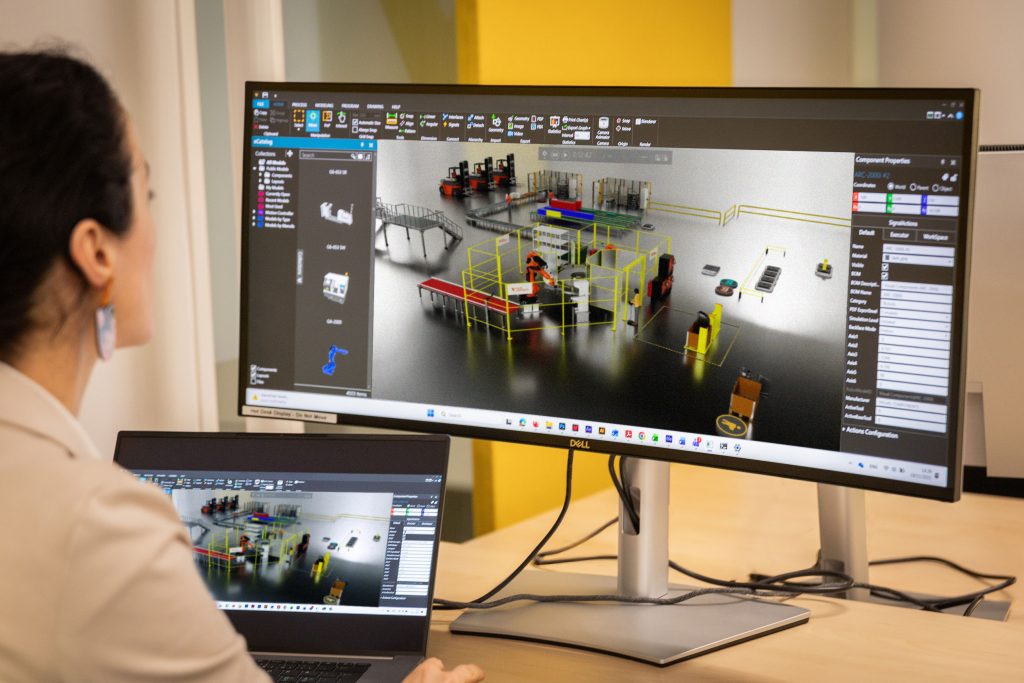
FactoryLens in Visual Components workflow
Visual Components manufacturing simulation software helps teams simulate large factories, mobile resources, physics-based behavior, and controller logic. FactoryLens has a focused role alongside that work: realistic digital-twin environment.
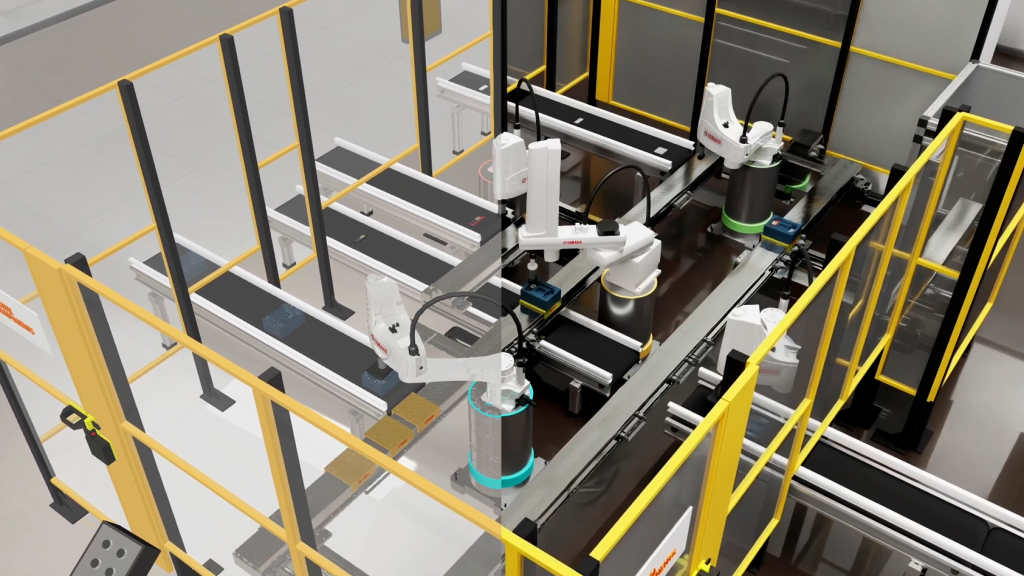
1. Build, simulate, and validate the factory in Visual Components
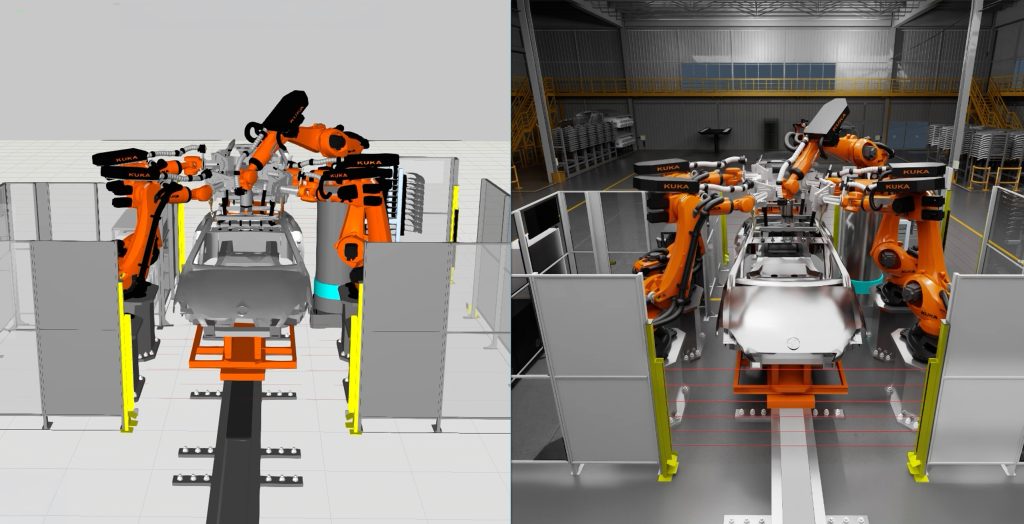
2. View the simulation in realistic digital-twin environment, lighting, and shadows in FactoryLens.
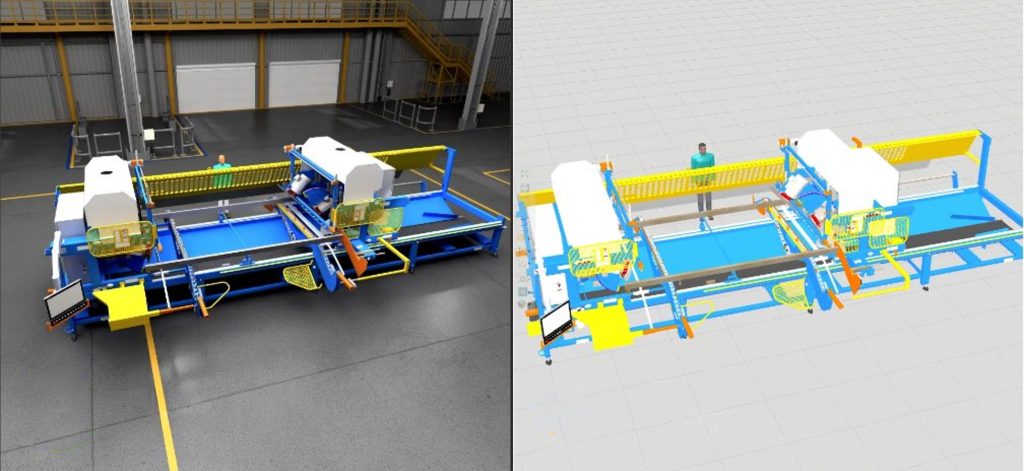
3. Use a clearer view to support customer communication throughout the project
FactoryLens USD Export
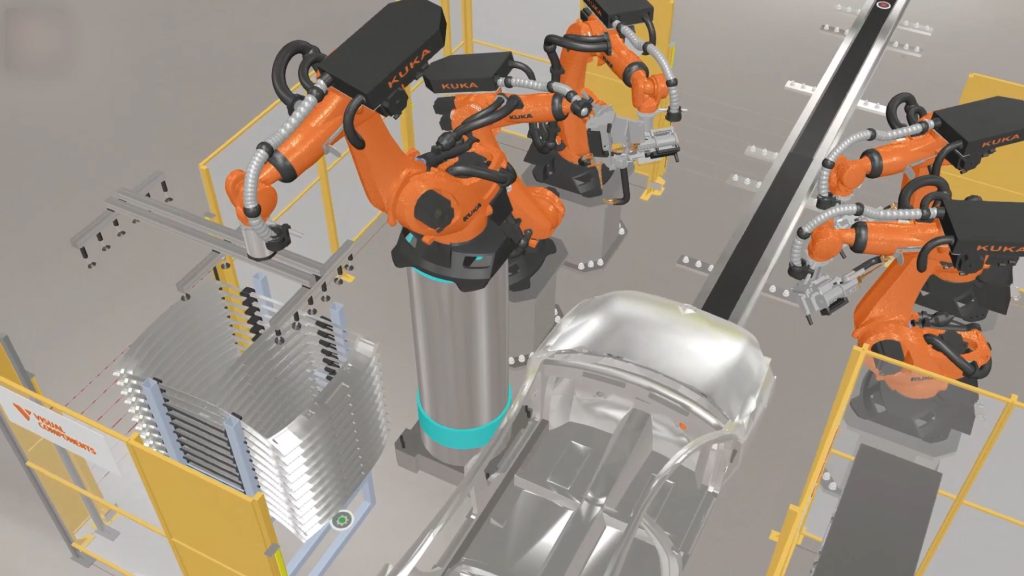
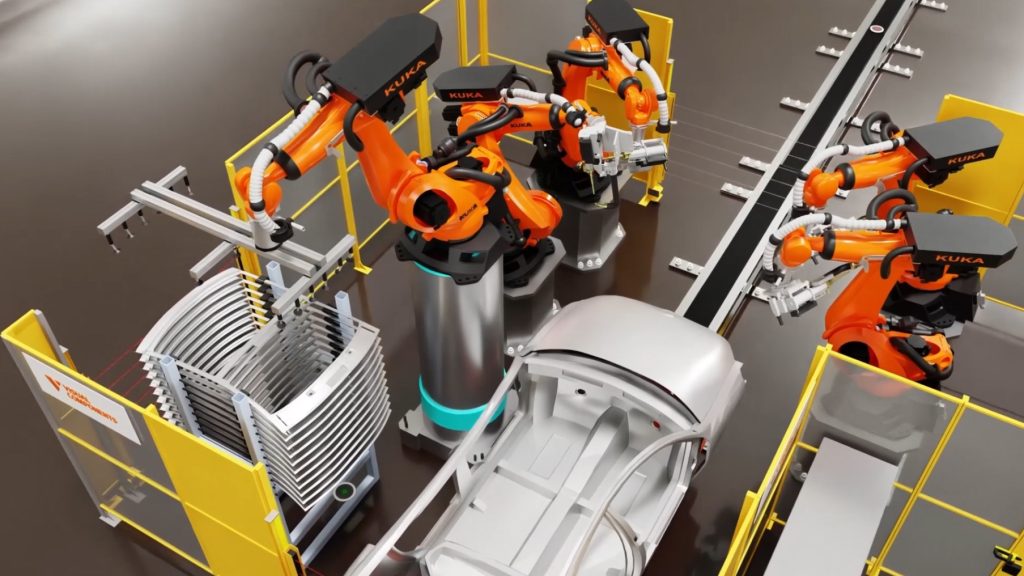
FactoryLens USD Export lets users build digital factories in Visual Components and reuse them across USD compatible applications for faster workflows, flexibility, and stronger communication. Users can avoid rebuilding layouts, reduce duplicate engineering work, and move models to tools including NVIDIA Omniverse, Blender, and other USD enabled applications.
What our customers say about FactoryLens
I don’t have to export to another environment but can go back and forth between a rendered viewport and working viewport without any delay. FactoryLens offers a great and very flexible way to present the simulation over a video meeting.
Erik Andersen, Technical Sales / Concept Developer at SEJFO Group
Visual Components FactoryLens FAQ
FactoryLens, is a new viewport built directly into Visual Component’s simulation platform, powered by the NVIDIAvidia Omniverse libraries. Developed as the latest step in Visual Components’ collaboration with NVIDIA, FactoryLens lets manufacturers, system integrators and machine builders take the factory layouts they already use for simulation and move directly into a more realistic digital-twin environment, with real-time rendering in the software they already use.
Step 1: Build, simulate, and validate the factory in Visual Components.
Step 2: View the simulation in realistic digital-twin environment, lighting, and shadows in FactoryLens.
Step 3: Use a clearer view to support customer communication throughout the project.
FactoryLens offers a realistic visual experience directly inside the Visual Components application. It gives manufacturers, system integrators and machine builders a clearer way to present complex automation without needing to hop between tools. Sales, engineering, project delivery, and marketing can work from the same visual reference.
FactoryLens is included as part of the standard Visual Components installer. When you run the installer, simply select the FactoryLens option during installation. There is no separate FactoryLens installation package to download from the Visual Components website.
You can check the system requirements here on this page.
With complete control over configurations, simulation logic, and material appearance, FactoryLens works effortlessly with all Visual Components manufacturing simulation and robot offline programming products with the exception of Digital Twin.