Introducing Visual Components Experience 1.7
Visual Components Experience 1.7 is here, bringing you new features and improvements to enhance the collaboration and communication experience within and between teams.
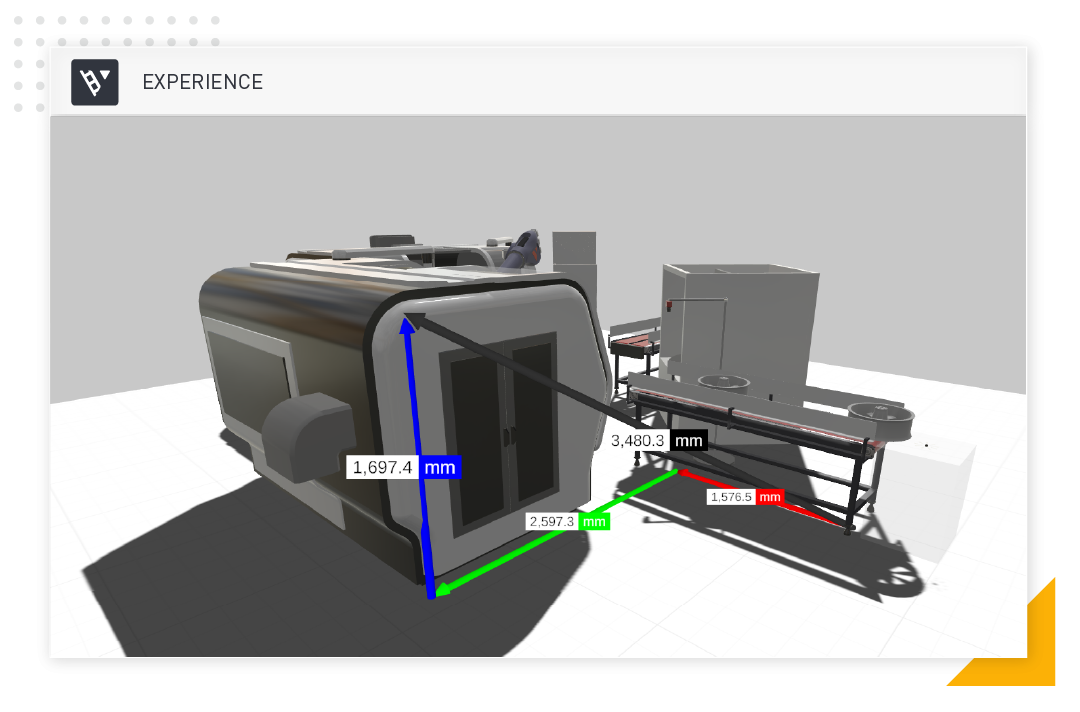
Our standalone, free-to-use application, Visual Components Experience, just got even better with this latest update!
We introduced Visual Components Experience (VCE) as a new and exciting way for users of Visual Components to approach production design and planning. With this latest release of version 1.7, we provide our users with an updated toolkit to cover all their needs when it comes to sharing and experiencing layouts and 3D simulations in a fully immersive virtual environment.
Let’s take a look at what’s new in this latest release:
Measurement tool on desktop
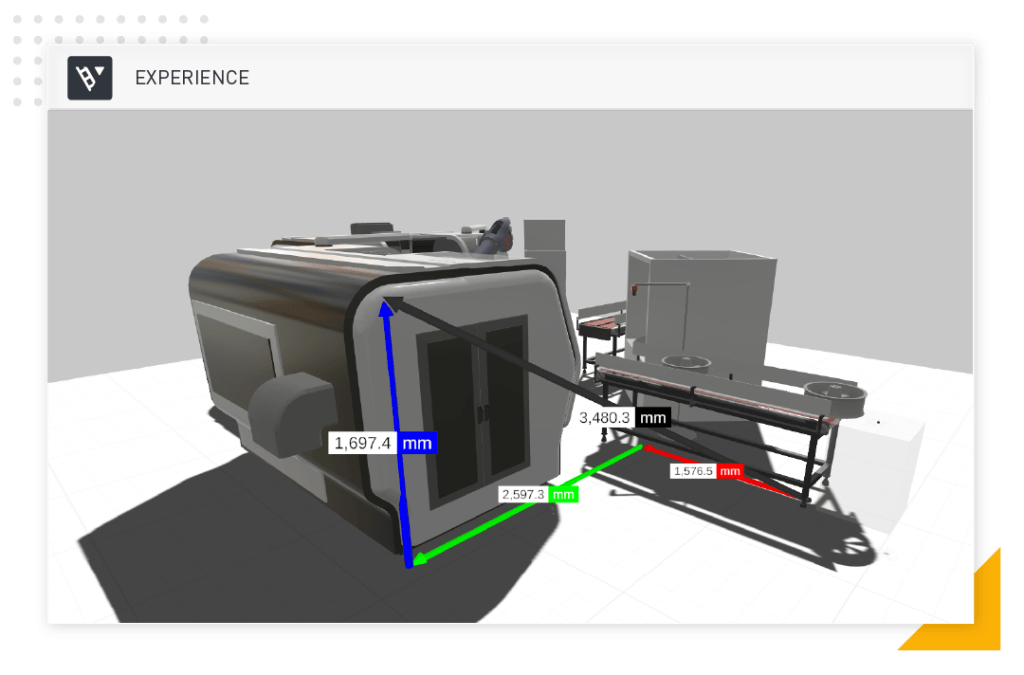
Previously introduced in VCE 1.6 as a VR-only option, the measurement tool is now available in the Desktop version’s 3D mode. This tool allows users to quickly verify the dimensions of objects in the layout with just a few clicks, which can be very useful when working on projects that require precise measurements. This feature can also save users a lot of time and effort, reducing the risk of human error and improving the overall quality of the project.
Soft shadows
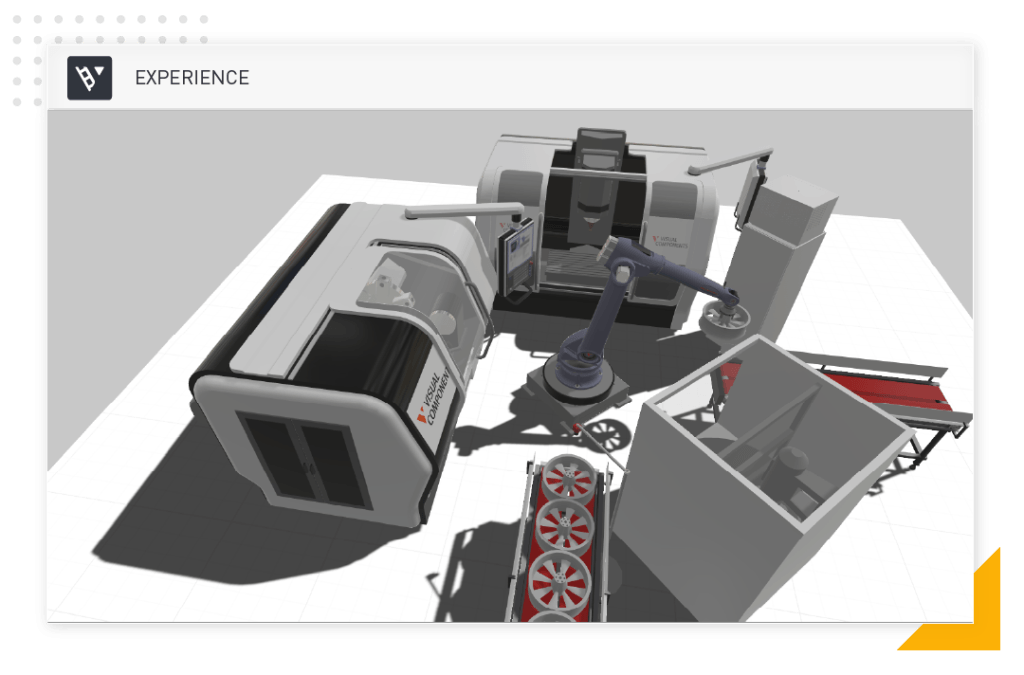
Shadows play a big role in creating the illusion of depth and dimension in a scene, and soft shadows create more natural-looking shadows that enhance realism. With that said, another new addition to version 1.7 is the ability to adjust the quality of shadows. The ability to create and control the quality of the shadows with the Quality slider in the Settings section of VCE 1.7 allows users to adjust the shadows to their specific needs.
This functionality is available for both the Desktop and Mobile version of VCE 1.7.
Other improvements
The other minor improvements in VCE 1.7 also benefit users significantly. For example, the improved settings layout makes navigating and finding the settings easier, while the updated web browsing components libraries provide more options and functionality. Loading VCAX files (the native file format of VCE) without making an extra file copy is also a new addition that can help improve performance and save storage space.
VCE 1.7 is a step forward for the software, providing new and experienced users with additional tools to help enhance collaboration and communication experience within your team.
Find out more about all the new features, improvements, and bug fixes by browsing through the VCE 1.7 release notes.
Installers
Installers for the new version of Visual Components Experience can be found on the Visual Components Experience product page.
Further reading
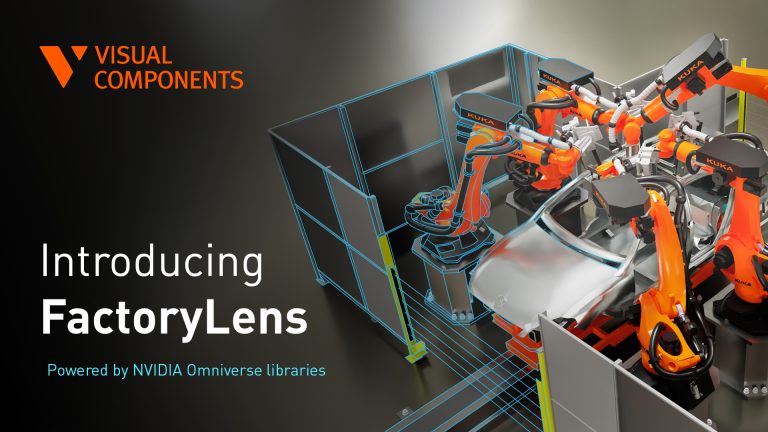
Introducing FactoryLens: turn factory simulations into realistic customer experiences
Visual Components launches FactoryLens, extending its collaboration with NVIDIA for industrial digital twins. FactoryLens helps system integrators and machine builders present Visual Components simulations with realistic materials, lighting, and shadows,...
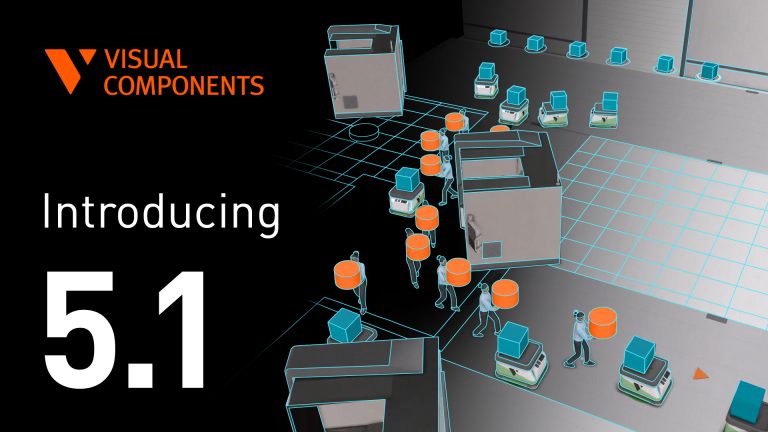
Introducing Visual Components 5.1 – Orchestrate the floor with ease
Simulate large factories with smarter mobile robot navigation, reliable physics, and real controller logic. Visual Components 5.1 makes it easier to simulate large factories with mobile robots, accurate physics, and...
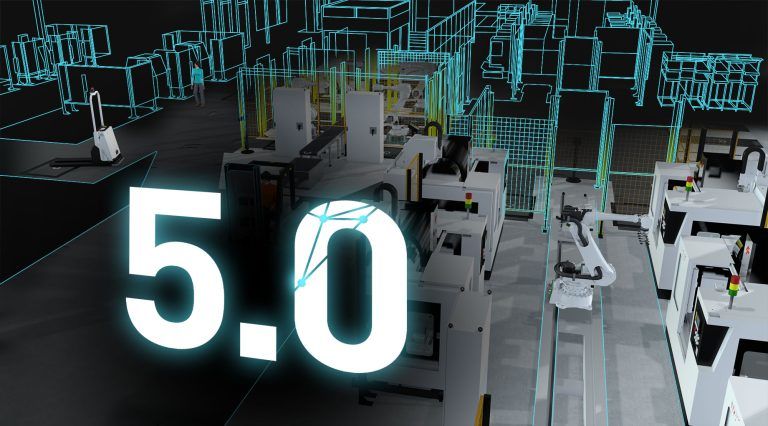
Visual Components 5.0 – The fastest way from concept to reality
Visual Components 5.0 is here, and we’re excited to introduce this all-in-one manufacturing simulation platform now supercharged with major upgrades.