Introducing Visual Components 4.2
We’ve added exciting new features and made significant improvements to our software infrastructure to deliver improved simulation performance. Read more!
Check out this short video to see what’s new in Visual Components 4.2!
WHAT’S NEW:
Process Modeling
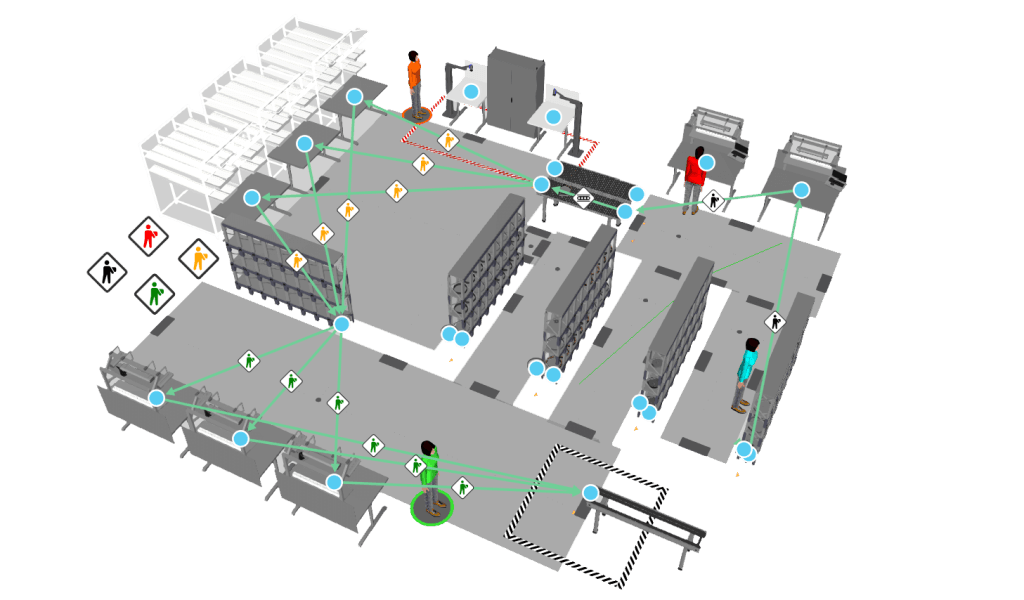
Process Modeling is a fast, easy, and visual way to define and manage products, processes, and production flow.
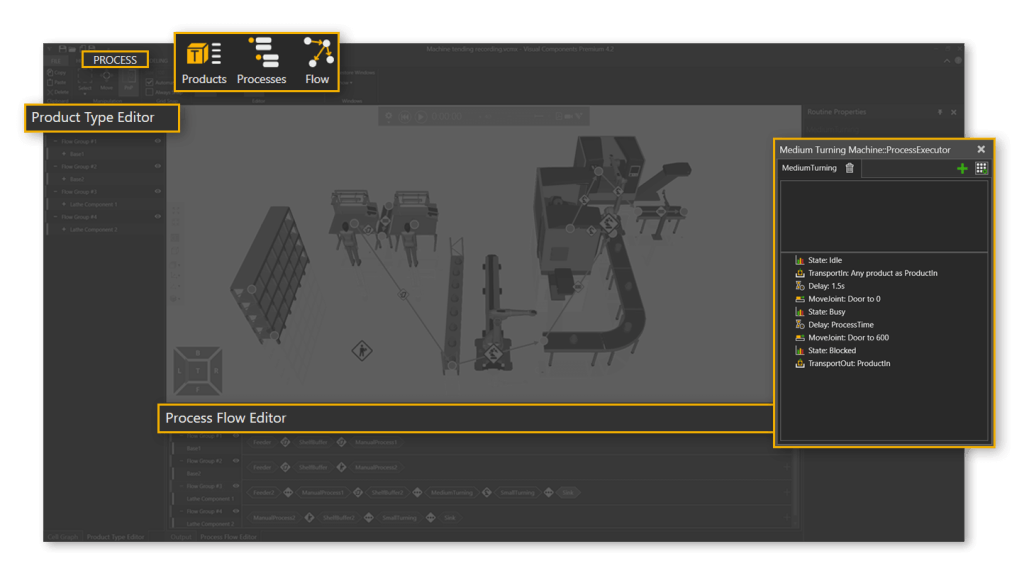
Visual Process and Flow Management
Visually manage processes and production flow in your layout. Processes and flow can be managed using the editors or directly in the 3D world, making it easy to analyze, troubleshoot, and modify processes and production logic.
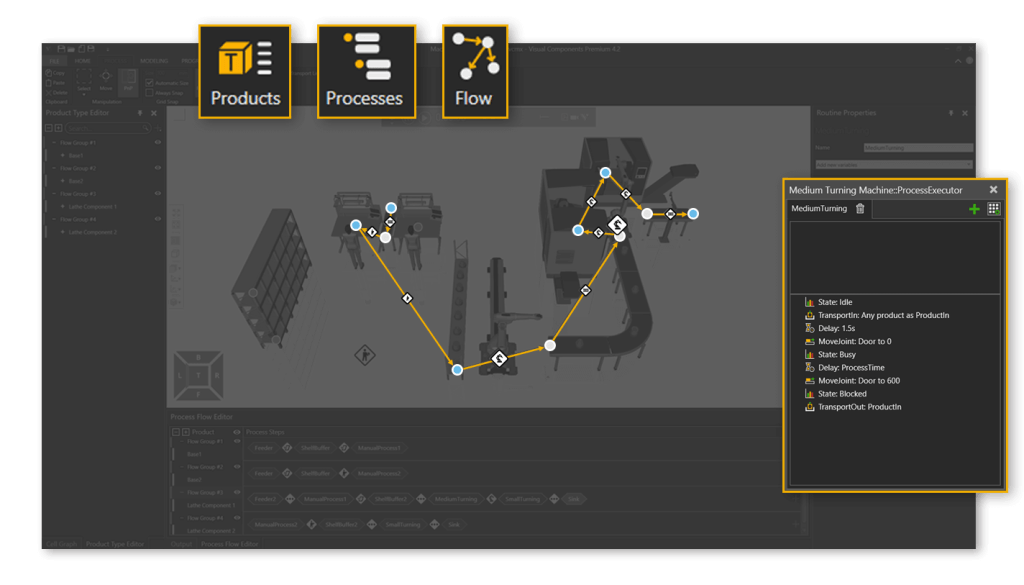
More Streamlined
Defining and editing products and processes has been greatly simplified, requiring a fraction of the steps. We’ve introduced visual workflows to model and manage the production flow.
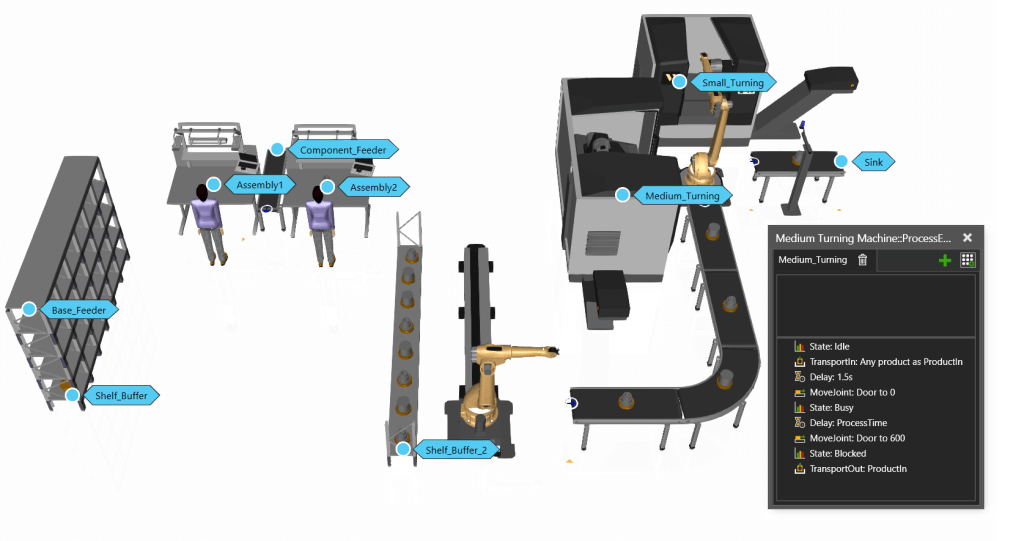
Improved Simulation Performance
We’ve updated the software infrastructure to deliver significant improvements in simulation speed and performance, especially for simulation models utilizing process modeling.
NEW FEATURES:
Product Type Editor
With the product type editor you can visually define, manage, and organize products in your layouts. Products are treated as dynamic objects, making it easier to model and visualize product evolution.

Process Editor
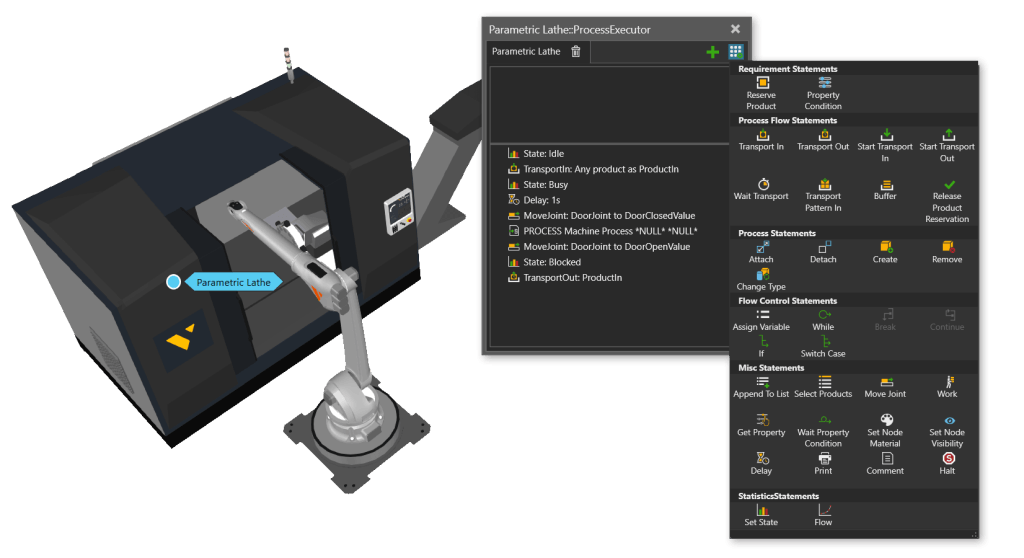
The process editor allows you to define and manage the behaviors of processes such as machines, buffers, and other production steps. Processes can be configured to behave conditionally based on different processed products.
Flow Editor
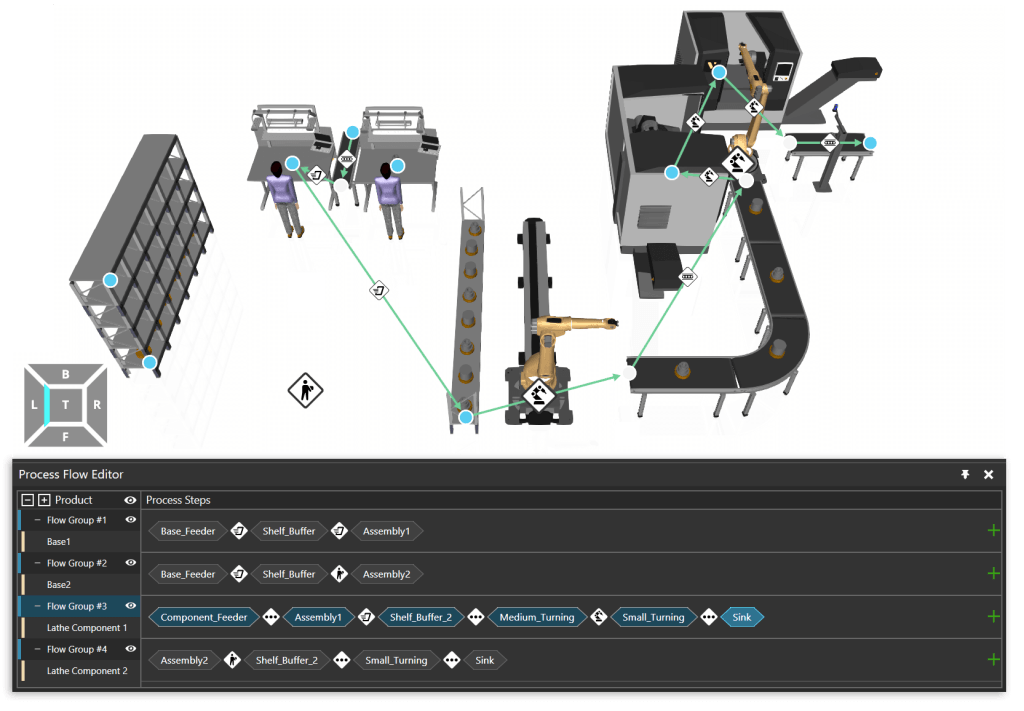
With the flow editor you can define both the sequence of processes and the means of transport between them for different product flow groups. Process flows can be managed using the flow editor or directly in the 3D world.
Simplified Tasks Library
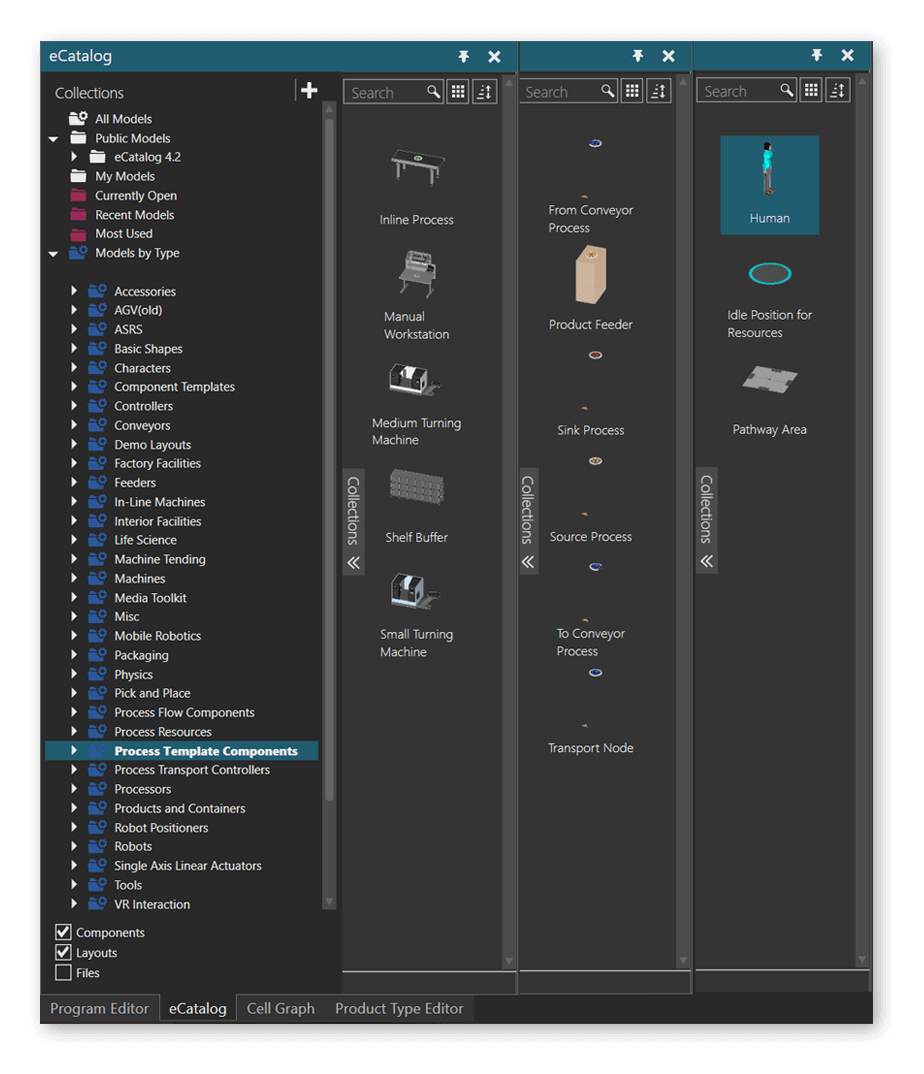
Process modeling components have a dedicated library in the eCatalog with layout tools, machine templates, and resources.
Interactive VR
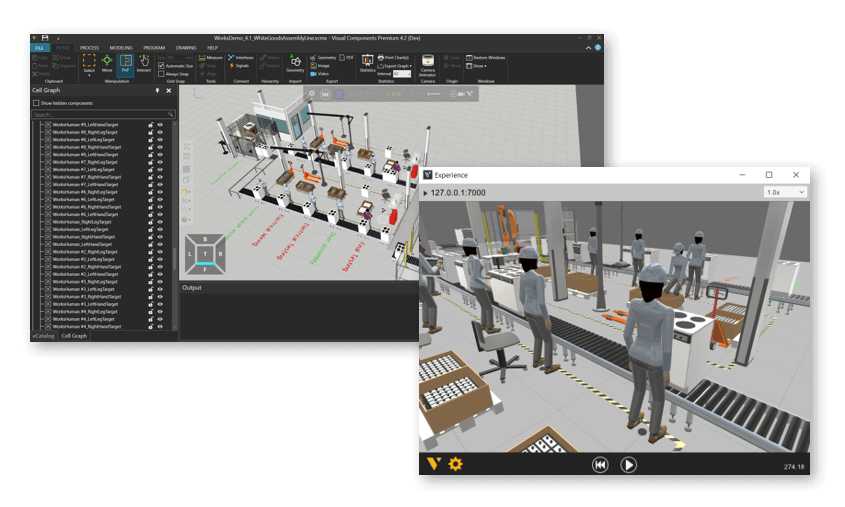
Available in Visual Components Premium, it’s possible to create a streaming connection to Visual Components Experience, allowing users to interact with the VR environment.
Other Improvements
We’ve made a number of usability and performance improvements in 4.2. Check out the Release Notes to learn more.
Further reading
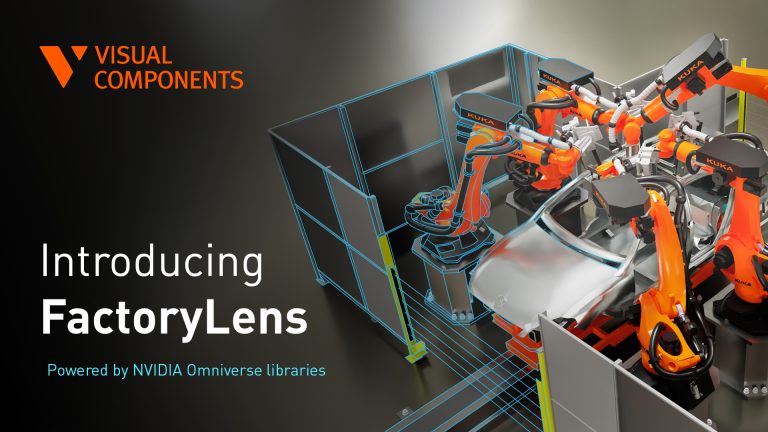
Introducing FactoryLens: turn factory simulations into realistic customer experiences
Visual Components launches FactoryLens, extending its collaboration with NVIDIA for industrial digital twins. FactoryLens helps system integrators and machine builders present Visual Components simulations with realistic materials, lighting, and shadows,...
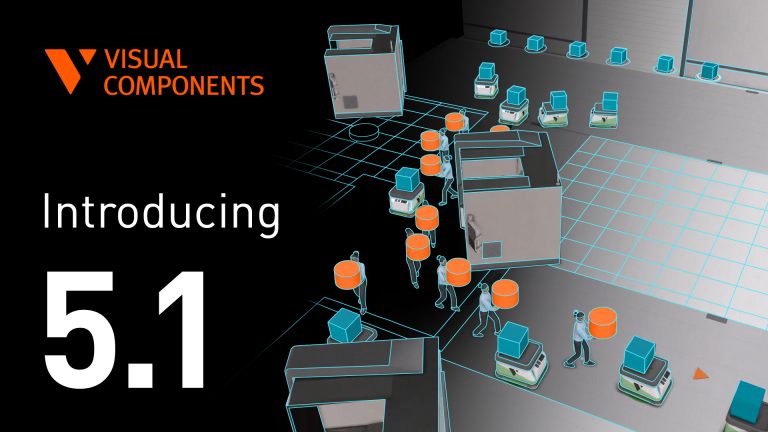
Introducing Visual Components 5.1 – Orchestrate the floor with ease
Simulate large factories with smarter mobile robot navigation, reliable physics, and real controller logic. Visual Components 5.1 makes it easier to simulate large factories with mobile robots, accurate physics, and...
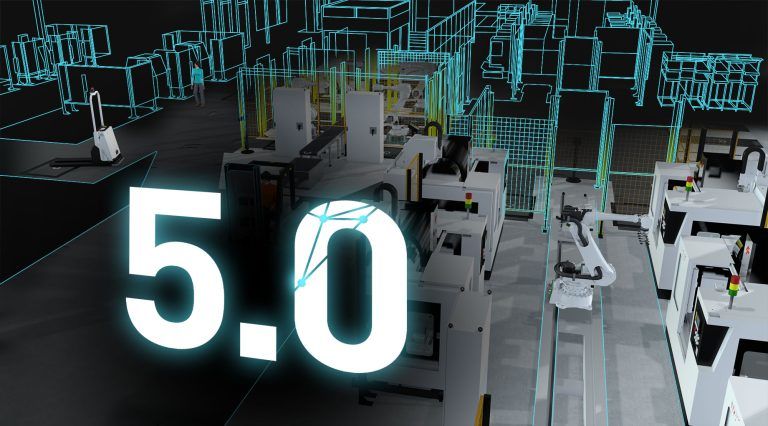
Visual Components 5.0 – The fastest way from concept to reality
Visual Components 5.0 is here, and we’re excited to introduce this all-in-one manufacturing simulation platform now supercharged with major upgrades.