Complete guide to ABB robot programming and offline programming
Master ABB robot programming with offline programming (OLP). This comprehensive guide explains how to efficiently program MultiMove synchronized welding cells, streamline the OLP workflow and choose the right software, ABB RobotStudio or Visual Components, for your production needs.
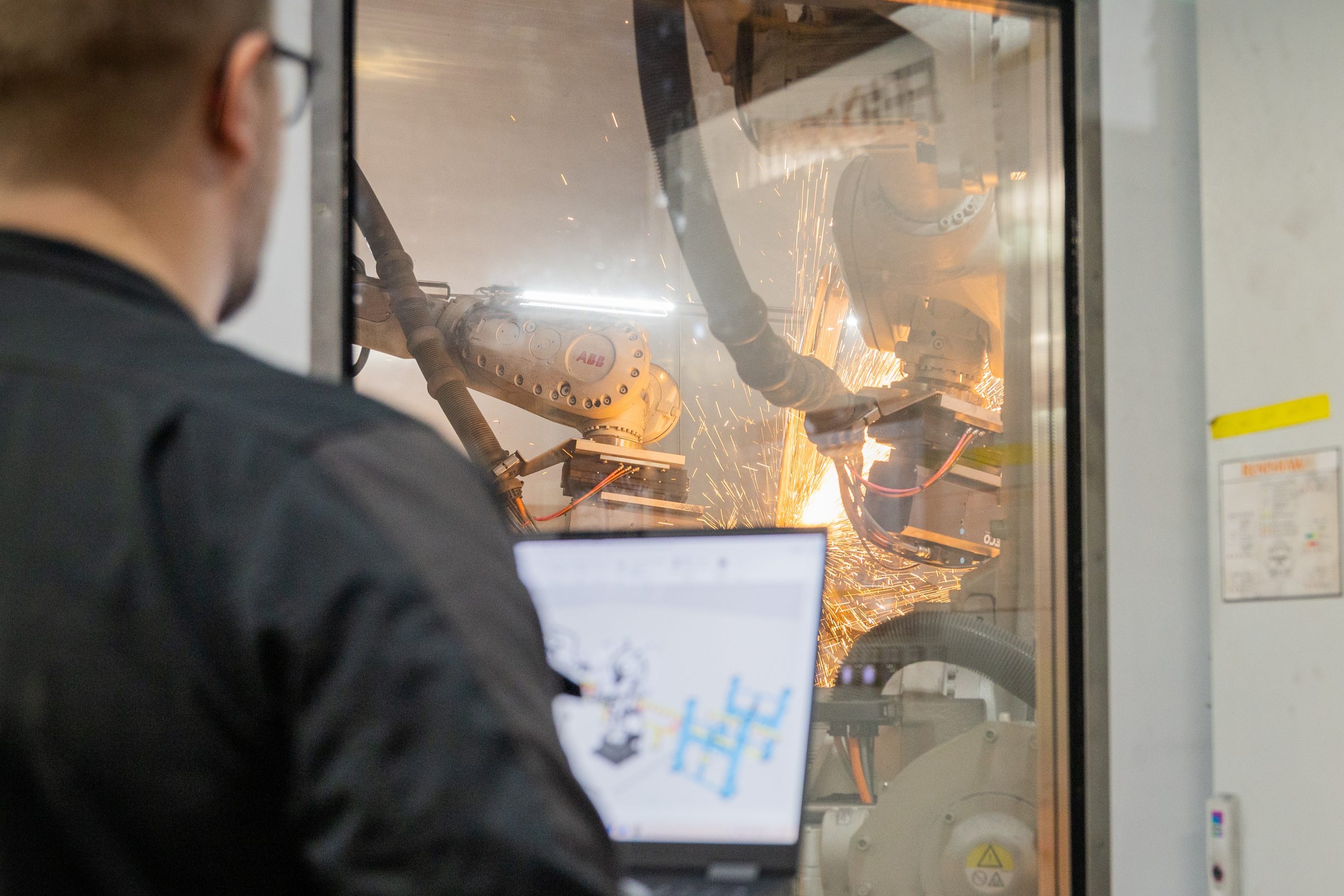
ABB robots run some of the world’s most demanding manufacturing operations, from high-speed welding to precision assembly. Programming them, though, has always been a bottleneck.
The RAPID programming language, the IRB series lineup, MultiMove for coordinating multiple robots from one controller. It’s a capable ecosystem. But traditional on-site programming ties up robots and production time and that’s where most teams lose weeks they shouldn’t.
Offline programming (OLP) fixes that. You build robot programs in a virtual environment, test them and deploy them to the physical robot. Production keeps running while you program the next job.
This guide covers ABB robot fundamentals, the OLP workflow, MultiMove synchronized welding and how to pick the right programming tool.
ABB robots: models, controllers and what matters for OLP
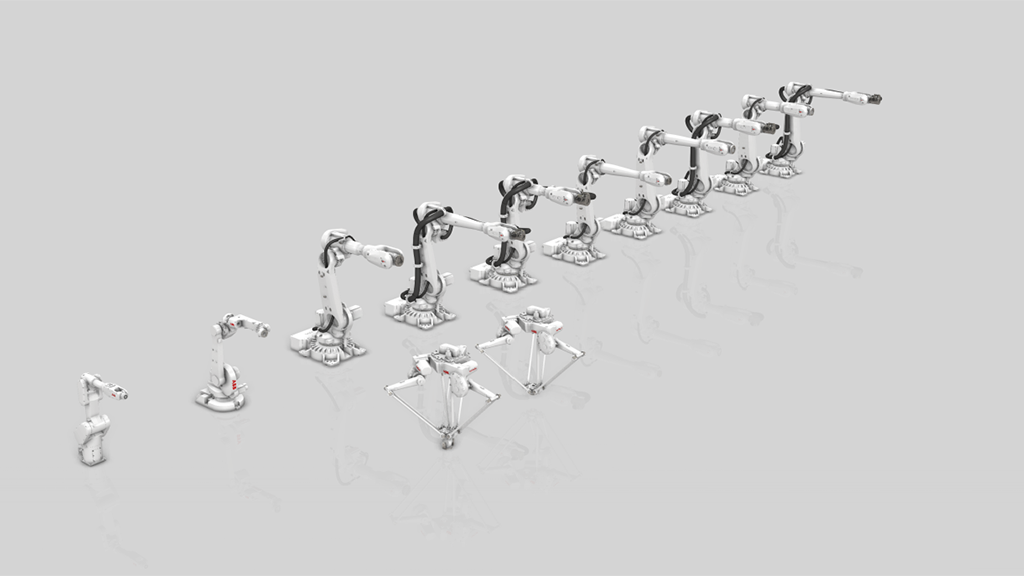
Key numbers: ABB’s IRB series includes dozens of models with payloads from 3 kg to 800 kg. The OmniCore and IRC5 controllers support over 500 robot applications worldwide.
ABB’s IRB series is broad. The IRB 1600 and IRB 2600 handle most arc welding and material handling jobs. The IRB 6700 is built for heavier payloads in rougher environments. Different axis configurations, reach, payload capacity. All of it matters when you set up an offline programming environment.
The controller matters just as much as the robot. ABB’s OmniCore is the latest generation, with faster processing, better motion control and broader connectivity. The IRC5 is still widely deployed across existing installations. Your OLP tool needs to support whichever controller you’re running. If it doesn’t, the programs you generate virtually won’t match what happens on the shop floor.
ABB robots are programmed in RAPID, ABB’s proprietary language. Whether you program online or offline, the output needs to be valid RAPID code that the controller can execute. This is where your choice of OLP software matters most.
What is offline programming and why use it for ABB robots?
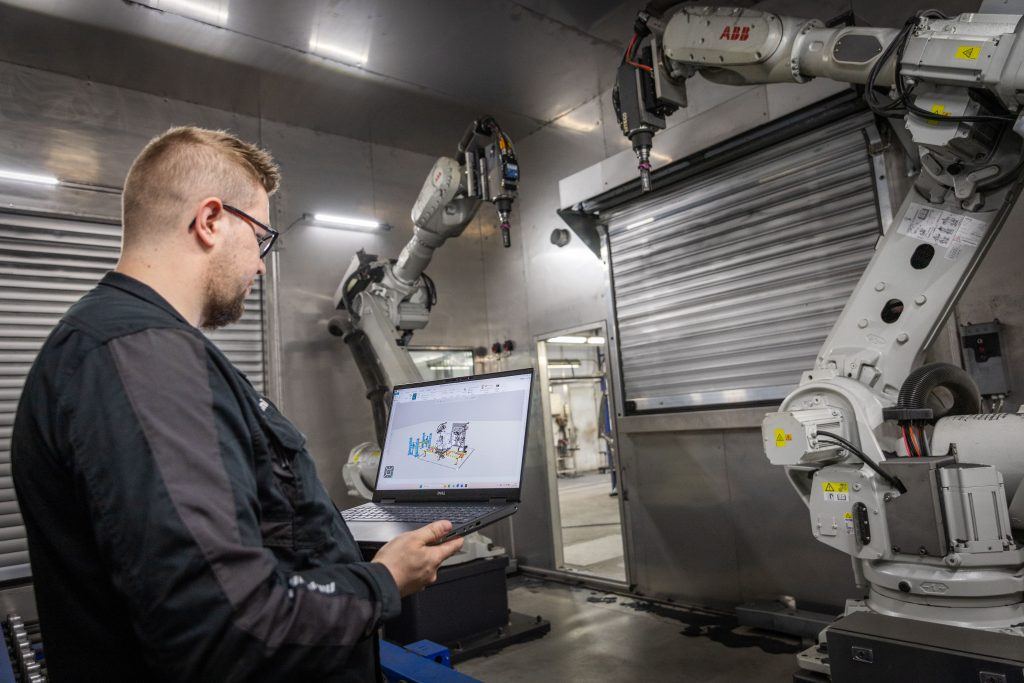
The impact: Up to 80% reduction in programming time. Zero production downtime during program development. Collisions caught virtually, not physically.
Offline programming means building robot programs in a virtual environment without stopping production. Instead of teaching points manually on the shop floor, you build the program at your desk in the office, simulate it and deploy to the physical robot.
Here’s what the typical ABB OLP workflow looks like: you import CAD models, build the virtual robot cell, program motion paths, run collision detection, verify cycle times and export production-ready code.
What you actually get out of this:
- Robot programming time drops by up to 80% compared to teach-pendant methods (based on Visual Components customer data)
- You arrive at commissioning with validated programs ready to run, instead of spending days on-site troubleshooting
- Collisions, singularities and path errors get caught before they reach the shop floor
- You can program the next job while the current one is still running
If you need to validate complete robot cells digitally before handover, OLP is how you do it.
ABB MultiMove and synchronized welding
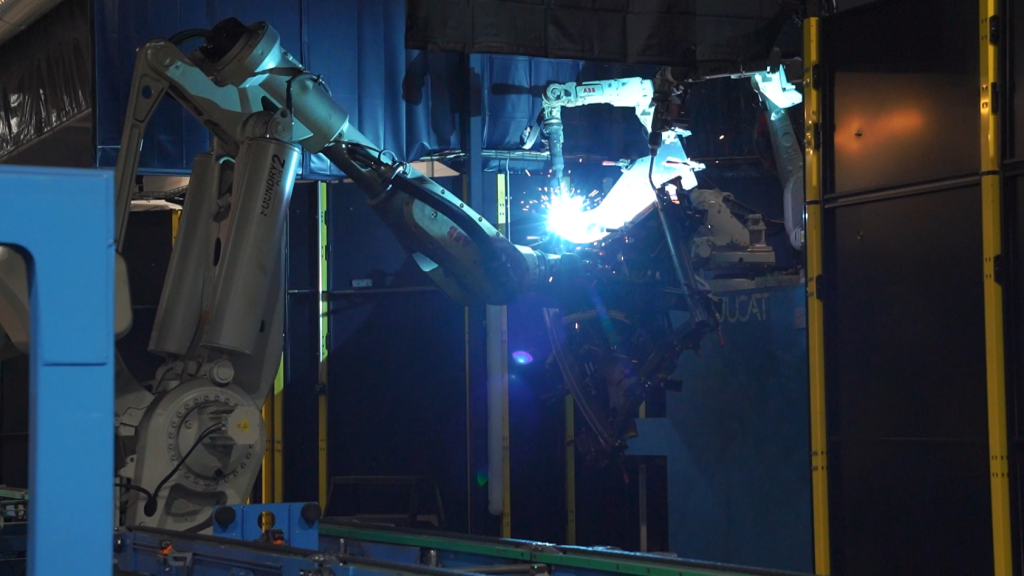
MultiMove is ABB’s way of controlling multiple robots from a single controller with fully coordinated motion. The most common use case is synchronized welding, where one robot welds while another holds or repositions the workpiece. It also works for multi-robot assembly and coordinated material handling.
Programming a MultiMove cell follows this sequence:
- Define the robot cell and workpiece geometry
- Program coordinated motion paths for each robot
- Synchronize timing and motion constraints between robots
- Simulate and validate collision-free operation
- Deploy to the physical cell
That sequence looks clean on paper, but the reality is messier. Coordinating timing between robots without collisions requires precision. Tight workspaces make clearance validation tricky. And debugging synchronization issues without a simulation environment means expensive trial and error on the shop floor.
A few things that tend to work well:
- Simulate before deployment. MultiMove programs are too complex to debug on the physical cell alone.
- Run collision detection early. Validate clearances in the virtual environment before you spend time refining motion paths.
- Start rough, then refine. Get the timing right with approximate motion paths first, then optimize for cycle time and weld quality.
- Use your OLP tool’s synchronization features. Coordinating multiple robots manually is slow. The software exists to make this faster.
MultiMove feature support in Visual Components
Visual Components OLP provides full support for MultiMove configurations. All functionalities and features are available, including coordinated motion, independent motion, event synchronization and task coordination. There are no restrictions compared to native ABB tools. This means you can program complex multi-robot cells entirely offline and deploy them with confidence that the synchronization logic will work as intended.
Choosing your OLP tool: ABB RobotStudio vs. Visual Components OLP
The right choice depends on what your shop floor setup.
ABB RobotStudio is ABB’s offline programming environment. It has deep integration with ABB controllers, accurate RAPID code generation and access to ABB-specific technology packages. If your facility runs ABB robots exclusively and your engineers already know RAPID, RobotStudio is a solid, purpose-built option.
However, engineers who work with RobotStudio often run into limitations. Building welding programs can be inconvenient. Teaching welding cells properly is difficult. RobotStudio also packages different processes individually and sells them as add-ons, so you may need to purchase separate packages for welding, painting or other applications. And if your company uses multiple robot brands, you end up juggling multiple brand-dedicated OLP tools instead of one unified workflow.
Visual Components OLP is a universally compatible OLP platform that addresses these pain points. It supports 22 robot brands and 40+ controllers through built-in post-processors, so it works for multi-brand environments. One license includes all major industrial processes with no add-ons needed. The post-processors translate your robot program into the chosen robot language with 100% accuracy, ensuring that the RAPID code you generate matches what an experienced ABB programmer would write and eliminates any human error. The post-processors are customizable via Python, allowing customers to adapt the output for any custom-developed functions their applications require. If you need to synchronize an ABB robot with a KUKA or Fanuc robot in the same cell, Visual Components OLP handles that within the same platform.
Deployment workflow: from simulation to robot controller
Getting programs from Visual Components OLP to an ABB controller follows a straightforward process. You can transfer programs physically using a USB drive or use direct connectivity via FTP to save program files directly to the robot controller from within Visual Components. This is similar to the workflow in ABB RobotStudio, where files can be deployed automatically to the controller.
The main difference is that Visual Components OLP gives you this capability across all supported robot brands, not just ABB. One single platform, regardless of which robots are in your cell.
What Visual Components OLP delivers:
- One tool for all your robots, regardless of manufacturer
- 10x faster program creation than traditional OLP tools
- Welding equipment validation before commitment
- New product feasibility checks on existing cells
- Reduced production stops during programming
- Cycle time visibility before starting
- Equipment testing before purchasing
- Complex motion programming with intuitive jogging and positioning tools
Here’s how they compare:
| Capability | ABB RobotStudio | Visual Components |
| ABB-native RAPID support | Deep integration | Via post-processor (100% accurate, customizable) |
| Multi-brand robot support | ABB only | 22 brands, 40+ controllers |
| Multi-robot synchronization | MultiMove | Any brand combination |
| One-click programming | No | Yes |
| Welding cell programming | Limited tools | Full workflow support |
| Process coverage | Sold as separate add-ons | All major processes included |
If you run an ABB-only cell and don’t need cross-brand coordination, RobotStudio makes sense. If you have a mixed-brand cell, need multi-robot coordination across brands, want faster program creation or need one tool that works with all your robots, Visual Components OLP gives you that flexibility.
Cycle time accuracy: understanding the limitations
Cycle time prediction is one area where OLP tools have inherent limitations. Visual Components runs a generic robot controller to estimate cycle times and this is always an estimation. Robot controllers have different bases for motion calculation for each brand. The estimates are useful for planning, but they won’t match the precision of ABB’s actual virtual controller in RobotStudio.
For most applications, this limitation doesn’t matter in practice. In typical multi-robot welding processes, cycle time estimation in the millisecond-to-second range doesn’t provide meaningful improvements. Welding programs run for hours because of process speeds and cooling times, so percentage-wise, the errors are small. The biggest differences show up in production line point-type processes like handling and spot welding applications, where precise timing matters more.
If you need precise cycle time validation, Visual Components offers robot connectivity functionality that connects to RobotStudio and other brand-specific tools. This lets the virtual robot controller from RobotStudio run the program created in Visual Components, so you can compare cycle times with brand-specific accuracy. This functionality is available but not commonly used in OLP workflows. Most teams find the built-in estimates sufficient for their needs.
Best practices for ABB robot offline programming
A few things that consistently make the difference between smooth deployments and frustrating ones:
Calibration: the foundation of accuracy
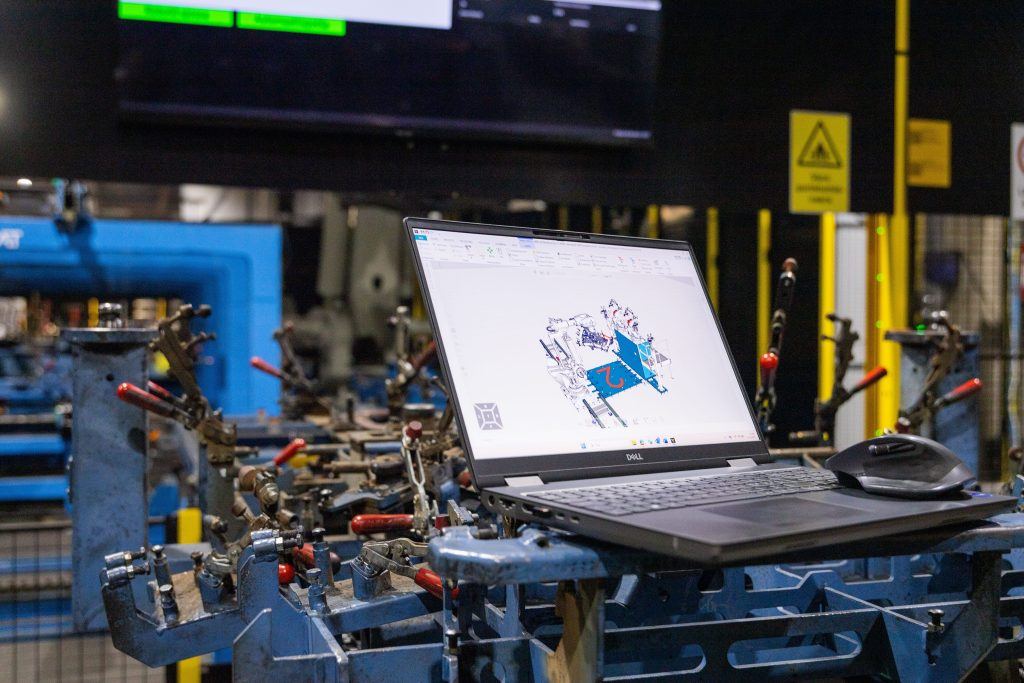
The effectiveness of OLP depends on how accurately your 3D simulation model represents the real work cell. Not just the CAD geometry, but the actual physical layout. This is where calibration becomes critical.
The calibration process uses the robot itself to measure the surroundings and the external axes in the robot cell. Components are then positioned in the simulation layouts according to those measurements and cross-referenced with information from the robot backup. This approach creates highly accurate layout models where locations of external axes are defined with precision. The resulting robot programs and MultiMove synchronization programs achieve the accuracy needed for production deployment.
Visual Components includes extended OLP calibration tools for self-commissioning robot cells. For teams new to OLP or those without prior commissioning experience, expert-led calibration support is available to ensure accurate setup from the start. This support helps establish proper calibration workflows that teams can then apply independently on future projects. Depending on the cell complexity, initial implementation and calibration typically takes 4 to 8 working days.
Other best practices
Begin with rough motion paths to establish the overall workflow, then refine for cycle time. Trying to perfect everything on the first pass usually wastes time, so plan to iterate and improve gradually.
Run collision detection and cycle time analysis before every deployment. This should be a consistent part of your workflow, not just something you do when you suspect problems.
Mistakes that keep coming up
- Skipping calibration. This leads to misalignment between virtual and physical robots and it’s always painful to debug after the fact.
- Over-complicating initial programs. Start simple, validate, then optimize.
- Ignoring technology packages. Make sure your OLP tool supports the ABB tech packages you need, whether that’s welding, painting or dispensing.
Real-world examples
Two companies show what ABB MultiMove OLP looks like in practice, at different scales and for different applications.
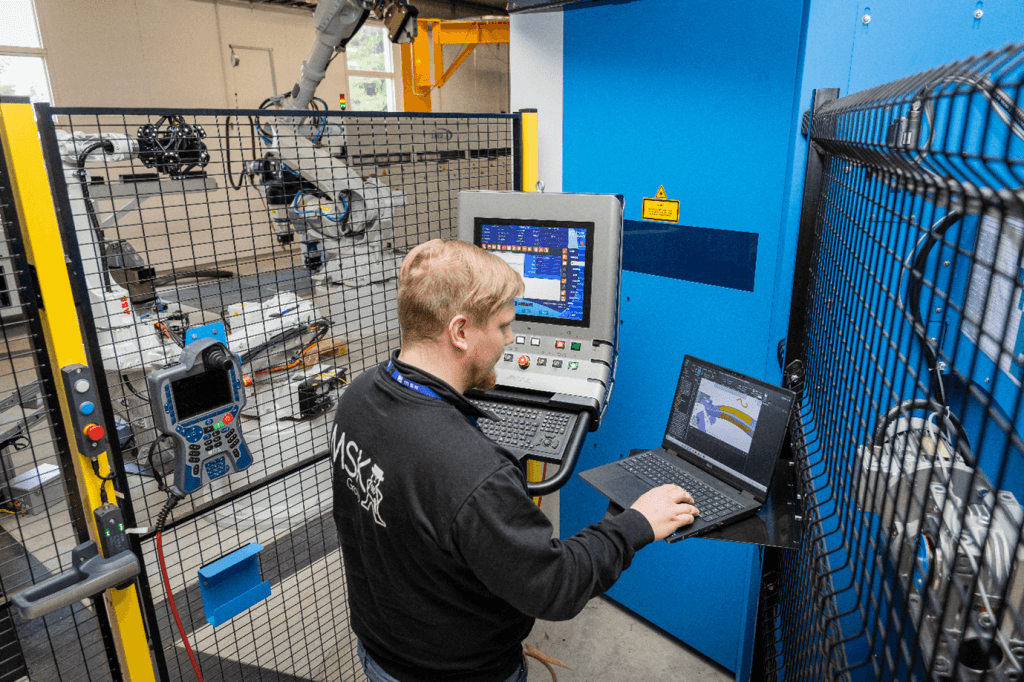
MSK Finland uses Visual Components OLP to program ABB MultiMove and ABB robot cells for welding and grinding. Their Jucat module welding cell runs 3 robots controlled by 1 controller, with a jig handling robot working as workpiece positioner for 2 welding robots. Their other Jucat frame welding cell uses 2 robots, 2 workpiece positioners and 1 floor track, all controlled by 1 controller. They also run a grinding cell with 2 ABB robots on separate controllers. All three cells were concepted and fully programmed offline before the real cells were assembled.
Read the full MSK Finland case study →
Volvo Construction Equipment uses Visual Components OLP to program jigless welding cells across multiple factories worldwide, including an ABB MultiMove robot system. Their ABB cell runs 3 robots and 2 workpiece positioners controlled by 1 controller with full synchronous programming and a gravity table. The same OLP workflow scales across their global operations, letting them standardize programming across different sites and robot configurations.
Read the Volvo Construction Equipment case study →
Conclusion
OLP is how you stop burning weeks on on-site robot programming. It cuts downtime, improves accuracy and makes MultiMove synchronized welding something you can actually plan and validate before you commit to it on the floor.
RobotStudio or Visual Components, the approach is the same: simulate, validate, deploy. Pick whichever fits your shop floor.
Frequently asked questions
Yes. Both ABB RobotStudio and Visual Components OLP support offline programming of MultiMove configurations. Visual Components OLP provides full feature parity. All MultiMove functionalities including coordinated motion, independent motion, event synchronization and task coordination are available without restrictions.
You create and test robot programs virtually. Collisions, timing issues and path errors are detected before they reach the shop floor, which means less commissioning time and fewer production stops.
It depends on your setup. RobotStudio is strong for ABB-only cells with deep RAPID integration. Visual Components OLP is the better fit for multi-brand robot cells or when you need to synchronize robots from different manufacturers in a single workflow. Both tools fully support MultiMove functionality.
Import your CAD models, build the virtual robot cell, program motion paths, simulate and validate, export the program and deploy to the physical robot via USB or FTP.
Challenges include coordinating timing between multiple robots, avoiding collisions in tight workspaces, and making sure the virtual program matches real-world behavior. Simulation and proper calibration help address these issues.
Yes. Visual Components OLP includes built-in ABB post-processors that translate your programs into 100% accurate RAPID code. The post-processors are customizable via a Python interface, so you can adapt the output for custom-developed functions. One license covers all major industrial processes including welding, painting and dispensing with no separate add-ons needed.
With offline programming, you don’t need to program robots on-site individually. Instead, you can program, synchronize and validate multiple robots simultaneously in a virtual environment. This allows you to verify reachability, detect collisions and coordinate robot movements before deployment—even for welds that are difficult to see or access on the shop floor. As a result, issues are resolved during simulation rather than commissioning, reducing programming time by up to 80%.
Visual Components uses a generic robot controller for cycle time estimation, which provides useful planning data but does not match the precision of ABB’s actual virtual controller. For most welding applications, this is sufficient. For applications where millisecond accuracy matters, like handling and spot welding, you can use robot connectivity plug-ins to run programs through RobotStudio’s virtual controller for precise validation.

Further reading
Advanced robot offline programming (OLP) workflow for welding: templates and automatic path optimization
Learn how advanced robot offline programming for welding helps manufacturers program robots faster, more consistently and at scale. This guide explains structured OLP workflows, reusable weld templates, welding databases and...
Automated robot programming: automated path creation in minutes
Automated robot programming reduces hours of manual work by shifting path creation and validation to the offline programming software (OLP). This article explains how automated programming works in practice, the...
Optimizing manufacturing with simulation and robot offline programming
Manufacturers are increasingly relying on simulation and robot offline programming to master variant diversity, improve quality and keep cycle times predictable. This article explores how simulation, digital twins and offline...