Visual Components 5.0 – The fastest way from concept to reality
Visual Components 5.0 is here, and we’re excited to introduce this all-in-one manufacturing simulation platform now supercharged with major upgrades.
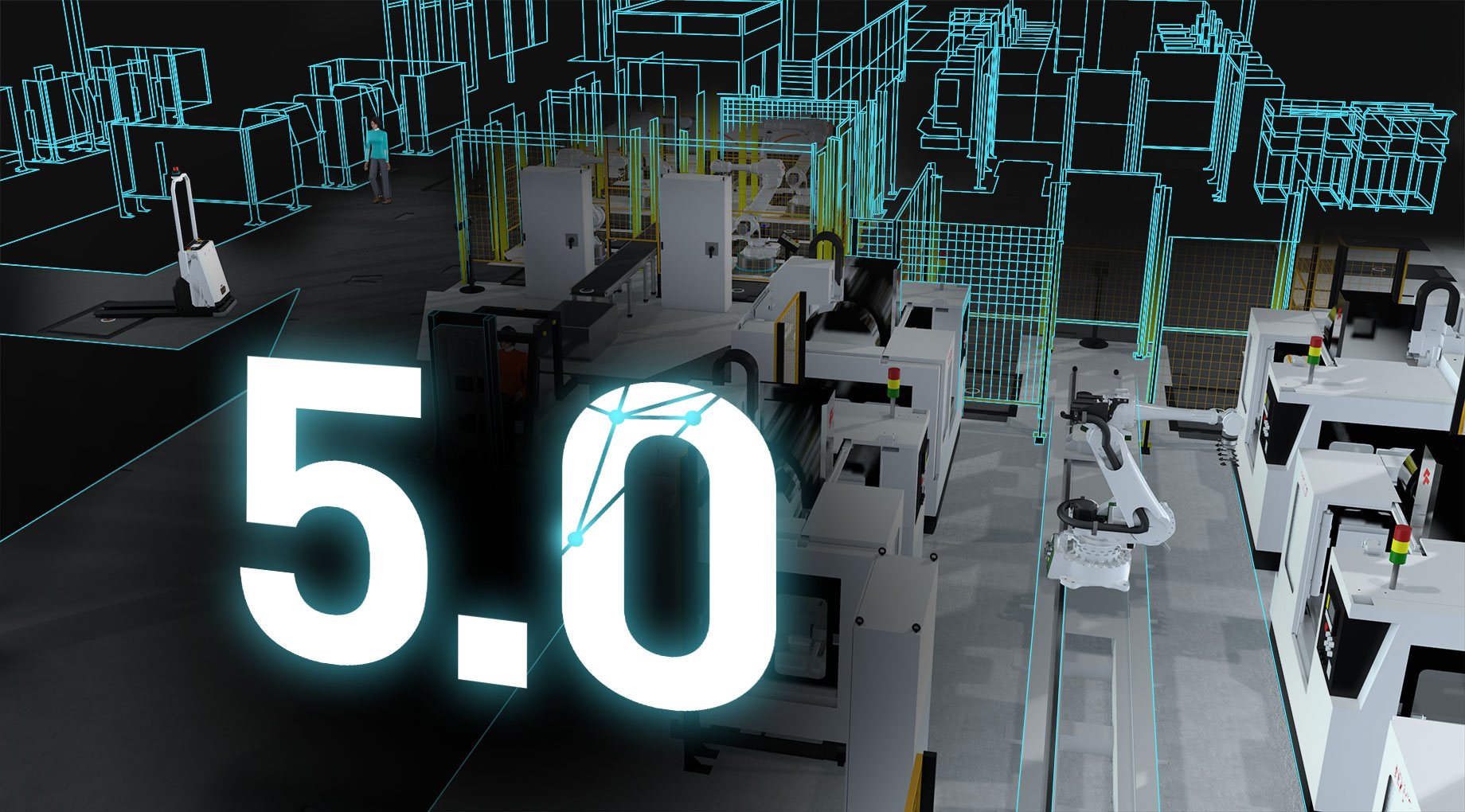
Introducing Visual Components 5.0
In modern manufacturing, speed and adaptability are everything.
Teams need tools that keep up with complex demands without slowing them down. Visual Components 5.0 delivers exactly that by combining faster performance, deeper customization, and unified workflows on a single platform. This creates a clearer path from concept to reality at every step of digital production planning. The following sections highlight the most important updates in Visual Components 5.0 that make this possible.
Join our 5.0 release webinar where our Simulation Experts will walk you through the new features in Visual Components 5.0 and answer your questions live. To make it easier for our global community to attend, we’re hosting two live sessions in English:
Choose the session that best fits your schedule and register to reserve your spot.
Speed and flexibility on an all-in-one platform
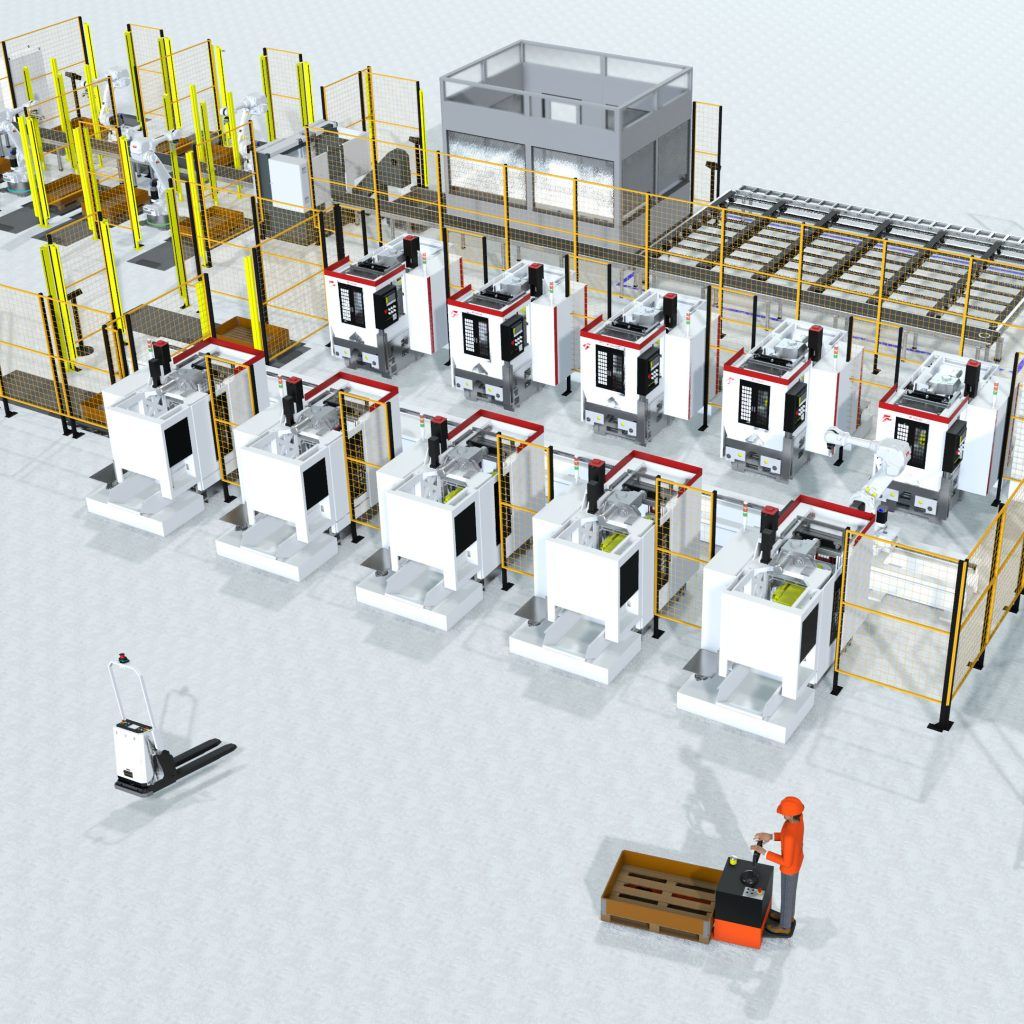
Visual Components has always promised fast concept-to-production planning, and 5.0 delivers on that promise. Under the hood, core performance improvements let you run large, complex models and processes more smoothly. You can load bigger factory layouts and simulate multiple robots and moving parts without bogging down. At the same time, enhanced customization means you can tailor each simulation to your needs without missing a beat. In practice, this translates to:
- Faster layout iterations let you redesign a factory floor and get immediate feedback.
- Quick virtual commissioning helps you run new process simulations end-to-end to validate logic before you install it.
- Confident deployment means you can trust that your virtual test behaves like the real system.
In each case, Visual Components 5.0 gives you more control and confidence every step of the way. You spend less time wrestling with tools and more time solving real problems.
Flexible scripting with modern Python 3 API
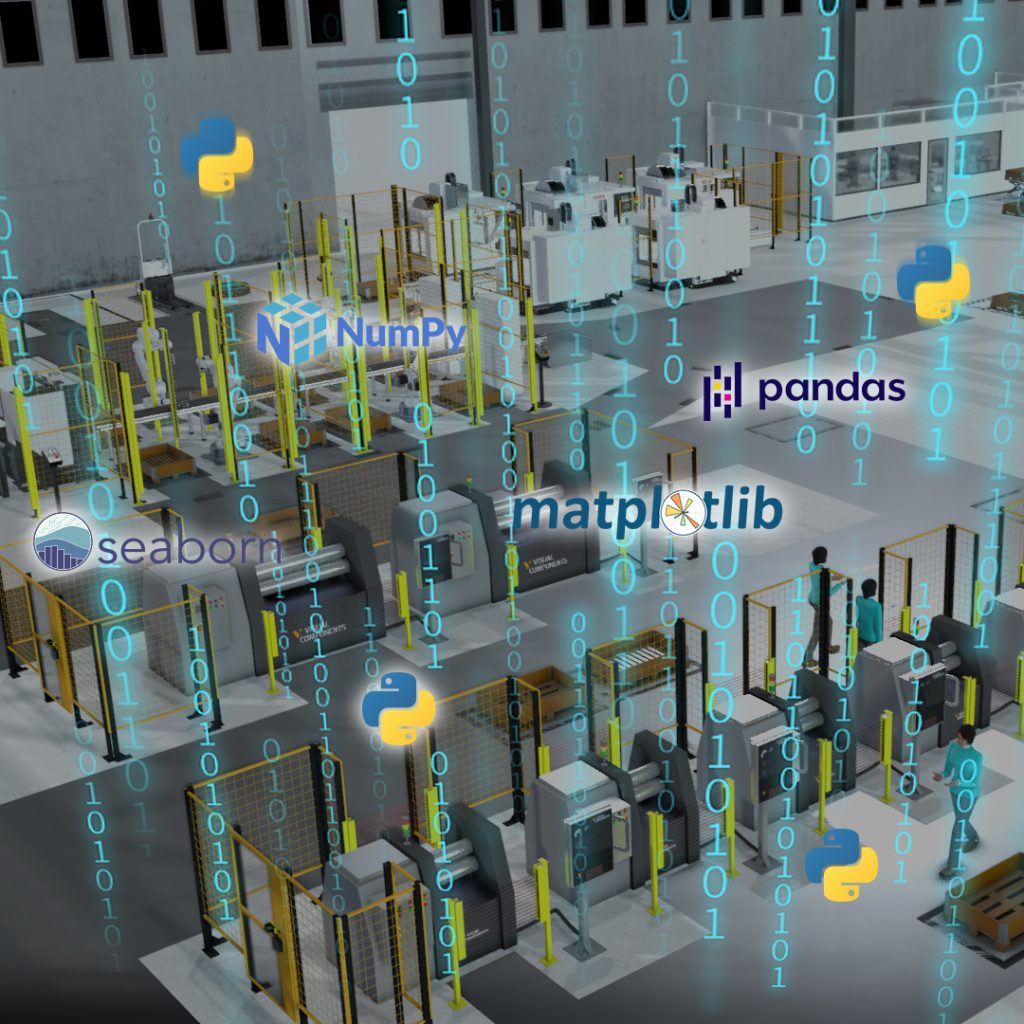
With full Python 3 support and an improved API, you get more control over your digital factory than ever before. You can customize the simulation environment, automate tasks, and integrate data analysis libraries (like NumPy and pandas) directly into your workflow. For example, you might:
- Build custom extensions and tools to fit your specific processes.
- Automate repetitive tasks by writing simple Python scripts.
- Crunch data on the fly using popular libraries (e.g. NumPy, pandas) for advanced logic.
These capabilities mean you’re not limited by out-of-the-box features. If you can imagine a function or workflow, you can script it. The new API puts the power of Python at your fingertips, so developers and power users can automate complex processes with just a few lines of code.
Python 3 API is available in all versions of Visual Components 5.0. However, creating Python scripts is available in Professional, Premium, and their corresponding OLP versions.
Python 2 support is now deprecated in Visual Components 5.0 as we transition to Python 3. Existing Python 2 workflows will continue to function during the 5.x lifecycle, with full removal planned for the next major release (6.0), so we recommend beginning your migration to Python 3. Read more in our Software Lifecycle Policy.
Expanded connectivity and integration
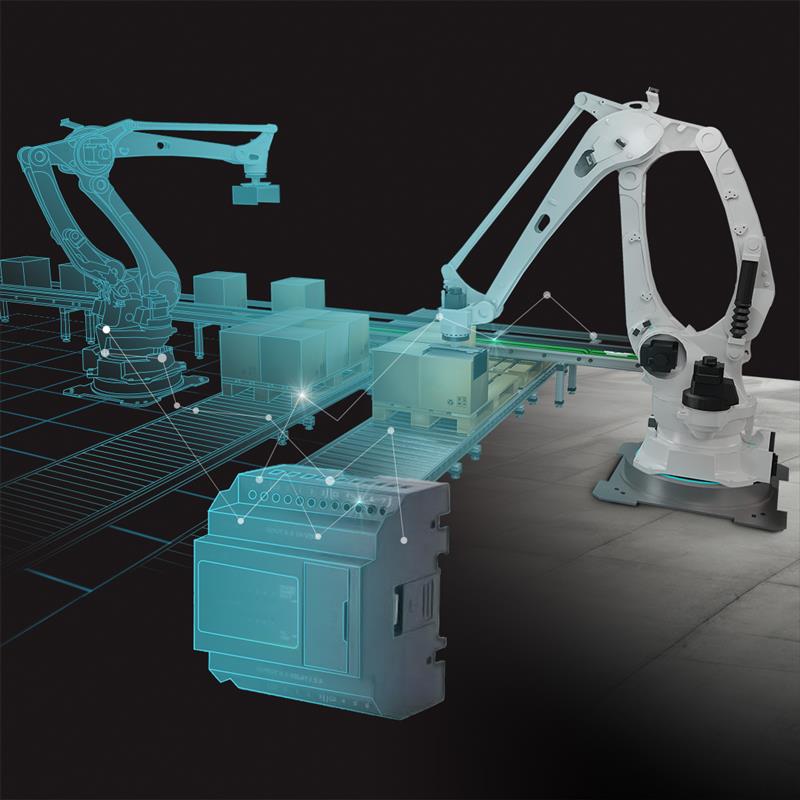
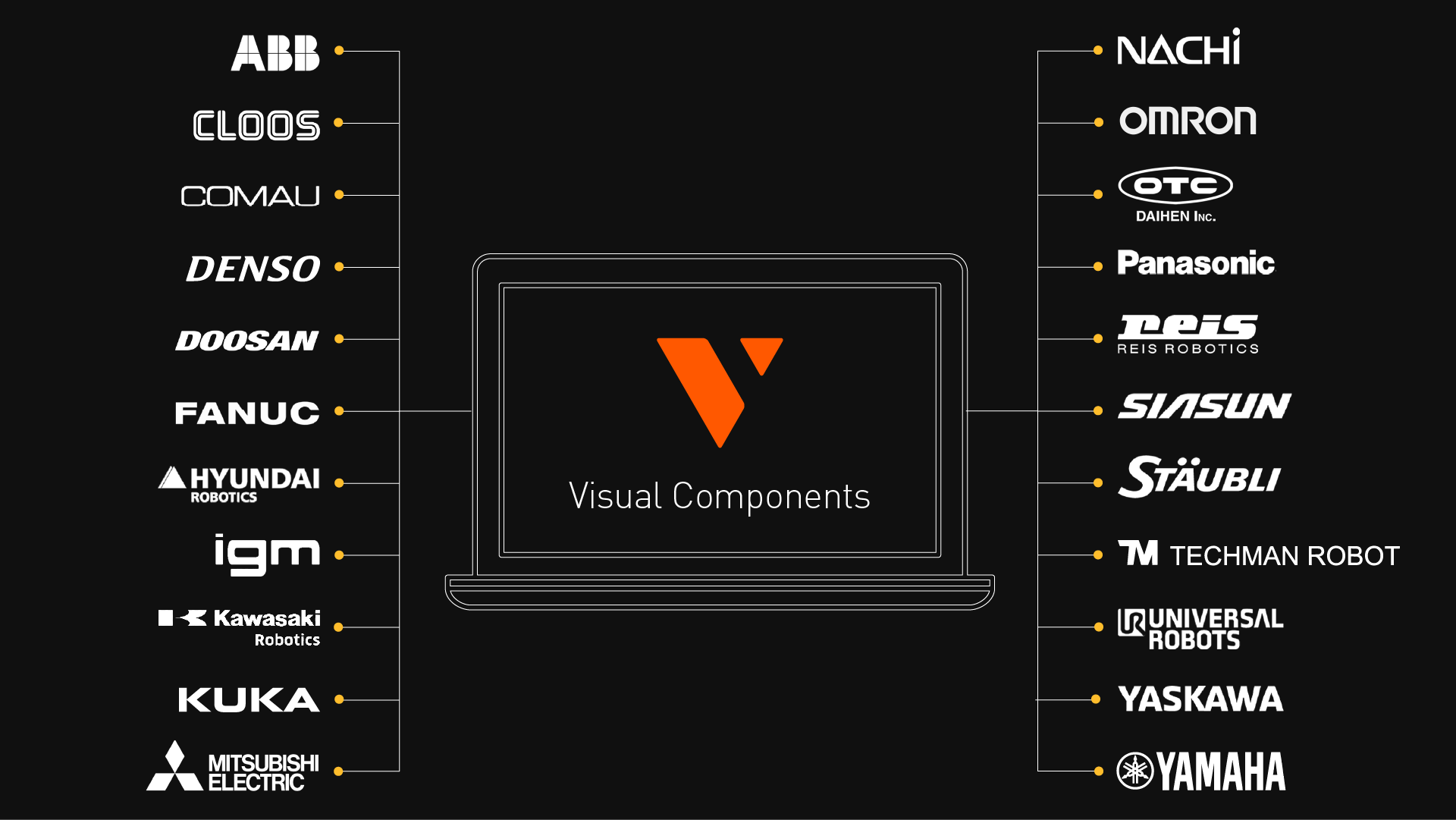
Integrating digital models with real equipment is now easier than ever. Visual Components 5.0 adds built-in connectors for more robot controllers (including Denso, Yamaha, Techman, and Mitsubishi MELFA) and PLCs (like LS Electric), plus a native MQTT interface for live data streaming. These new links mean you can bridge the virtual and physical worlds:
- Real-time testing lets you stream sensor signals and production data into your simulation via MQTT for true-to-life responsiveness.
- Controller integration allows you to hook up a PLC program or robot controller directly to the simulation to validate logic before deployment.
- Wide device support means that with more supported brands and protocols, your virtual models behave just like the real systems on the factory floor.
By tightening the link between simulation and hardware, Visual Components 5.0 makes virtual commissioning more seamless and gives you greater confidence when it’s time to build or modify the real system.
All new Denso, Yamaha, Techman, and Mitsubishi MELFA robot connectivity plugins and the LS Electric PLC are available in Visual Components 5.0 Premium and Premium OLP. The MQTT connector is available in Visual Components 5.0 Professional and Premium, as well as their OLP versions.
Smarter simulation with faster collision detection
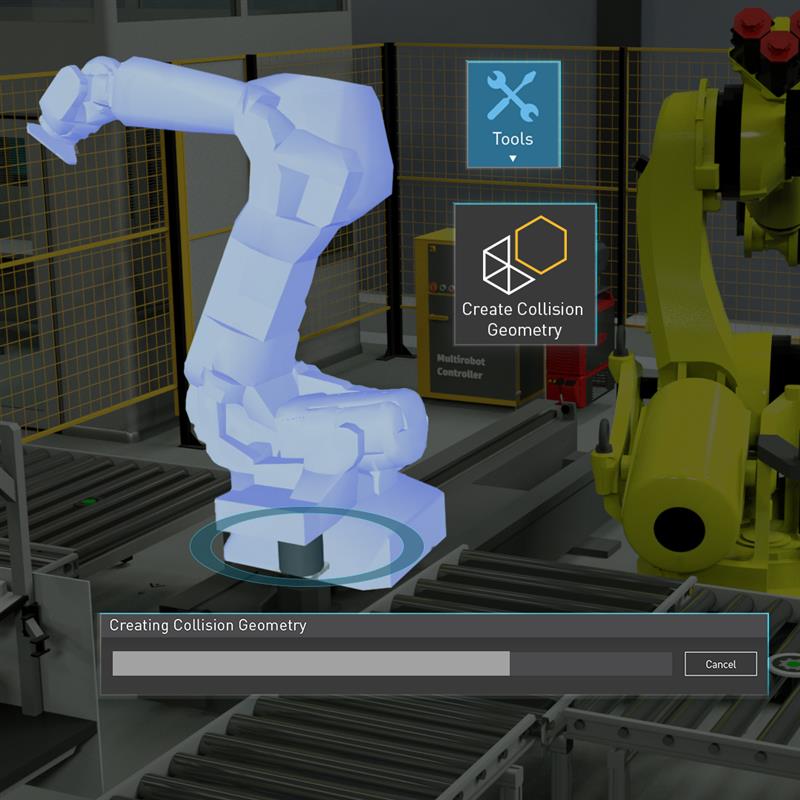
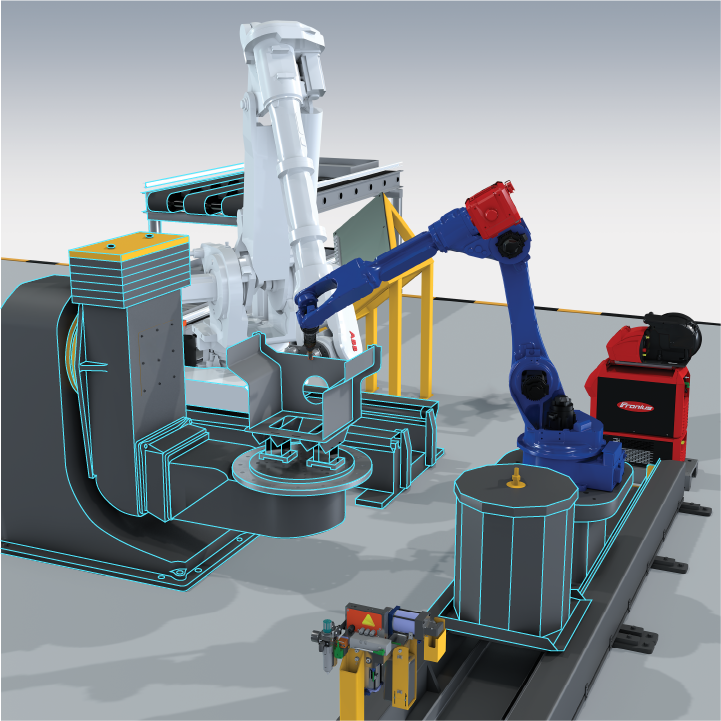
New in 5.0 is the colliders feature, which dramatically speeds up collision detection. Instead of using detailed, high-polygon models (which can slow the physics engine), colliders lets you overlay simplified “collision shapes” on your components. This reduces collision complexity by up to 99% while preserving accuracy. You have full control over the collider shapes and their precision, so you decide the best balance of speed and fidelity.
Practically, this means your simulations run smoother and faster especially in complex environments. With much less geometry to check, collision calculations complete quickly and iteration cycles shorten. You can also hide or adjust the collider visuals as needed. The end result is a more responsive simulation: even with many moving robots and parts, the system spends its computing power on the important interactions and skips unnecessary detail. In short, Visual Components 5.0 uses smart collision geometry to let you test more scenarios in less time.
Colliders are available in all versions of Visual Components 5.0. However, creating collision geometry is available in Professional, Premium, and their corresponding OLP versions.
Next-level robot programming with OLP 5.0
Visual Components 5.0 isn’t just about simulation; it also brings robot offline programming (OLP) to its most advanced level yet. This release is a leap forward in how robots can be programmed and simulated, thanks to a new model-based engineering approach and other automation tools. In traditional workflows, translating a product design into a robot program involved a lot of manual effort – engineers had to interpret CAD drawings, define toolpaths, adjust for each robot brand’s quirks, and so on. Now, Visual Components OLP 5.0 enables full model-based engineering, meaning the software can leverage digital design data to automate much of this work.
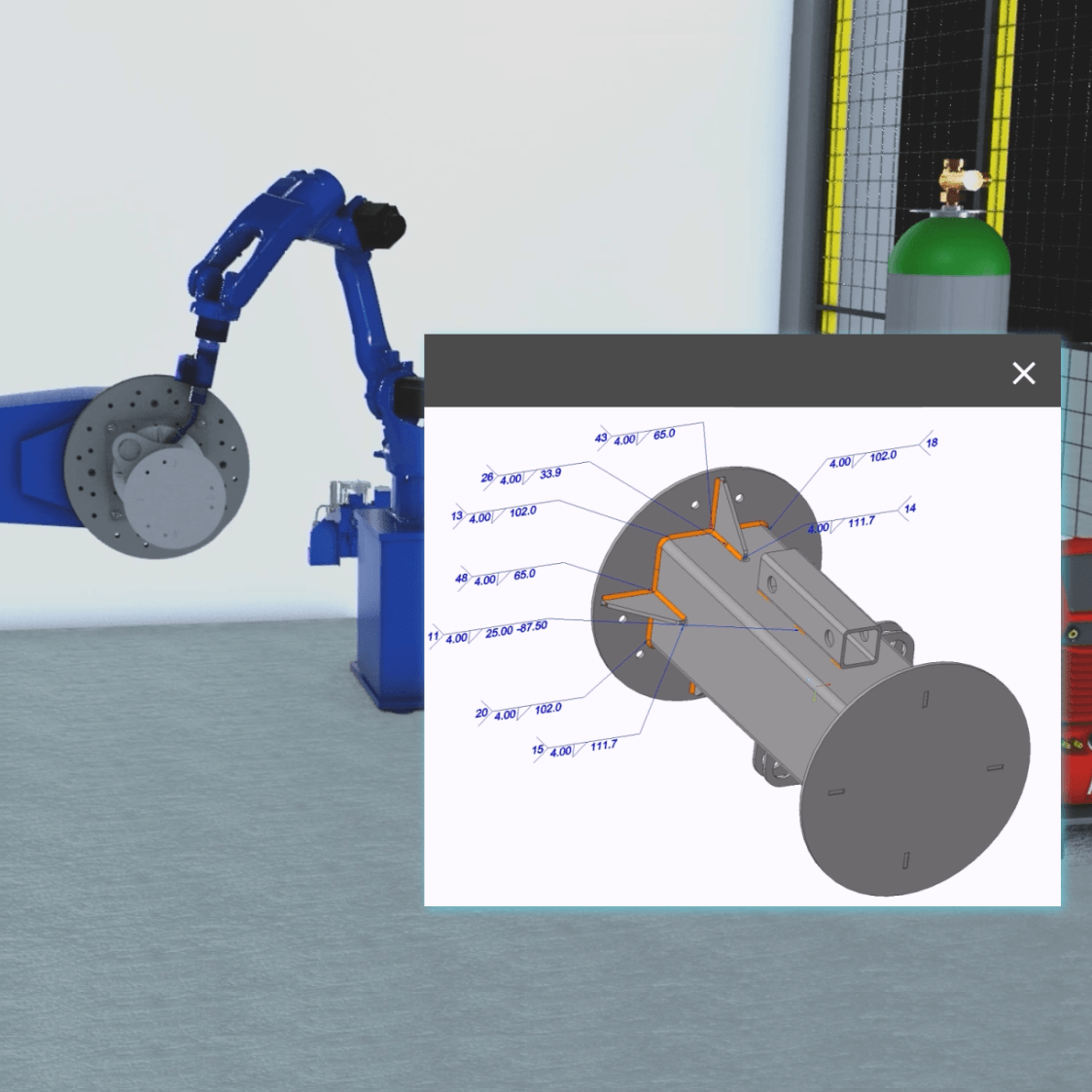
With support for model-based definition (MBD) and product manufacturing information (PMI) in CAD models, Visual Components 5.0 can directly connect product design with manufacturing process planning, allowing collaboration from the very earliest stages of a project. In practical terms, this is a game-changer for ensuring that the robot programming aligns perfectly with the original design intent, without tedious manual translation.
Model-based engineering automates robot programming
The concept of model-based engineering (MBE) in Visual Components 5.0 means the software can automatically generate robot paths and programs directly from CAD data. By reading PMI such as dimensions, tolerances and surface finish notes, it creates accurate toolpaths without manual input. This eliminates time-consuming programming tasks, reduces errors, and ensures the robot follows the design intent from the start.
Model-based automation makes robot offline programming faster, more accurate and repeatable. It removes interpretation errors between design and programming teams, prevents rework by following consistent workflows, and improves welding quality with features like the Welding Procedure Specification (WPS) rule manager and selector. This tool automatically applies the best process parameters for each process path, cutting manual effort while ensuring the correct WPS rules are followed for higher quality and consistency.
With fewer manual steps, both design engineers and automation engineers work from a single source of truth. The result is faster programming, greater confidence in the simulation, and reliable performance when the program reaches production.
Model-based engineering and the WPS rule manager and selector are available in Visual Components OLP 5.0 products.
Automatic path solving for complex scenarios
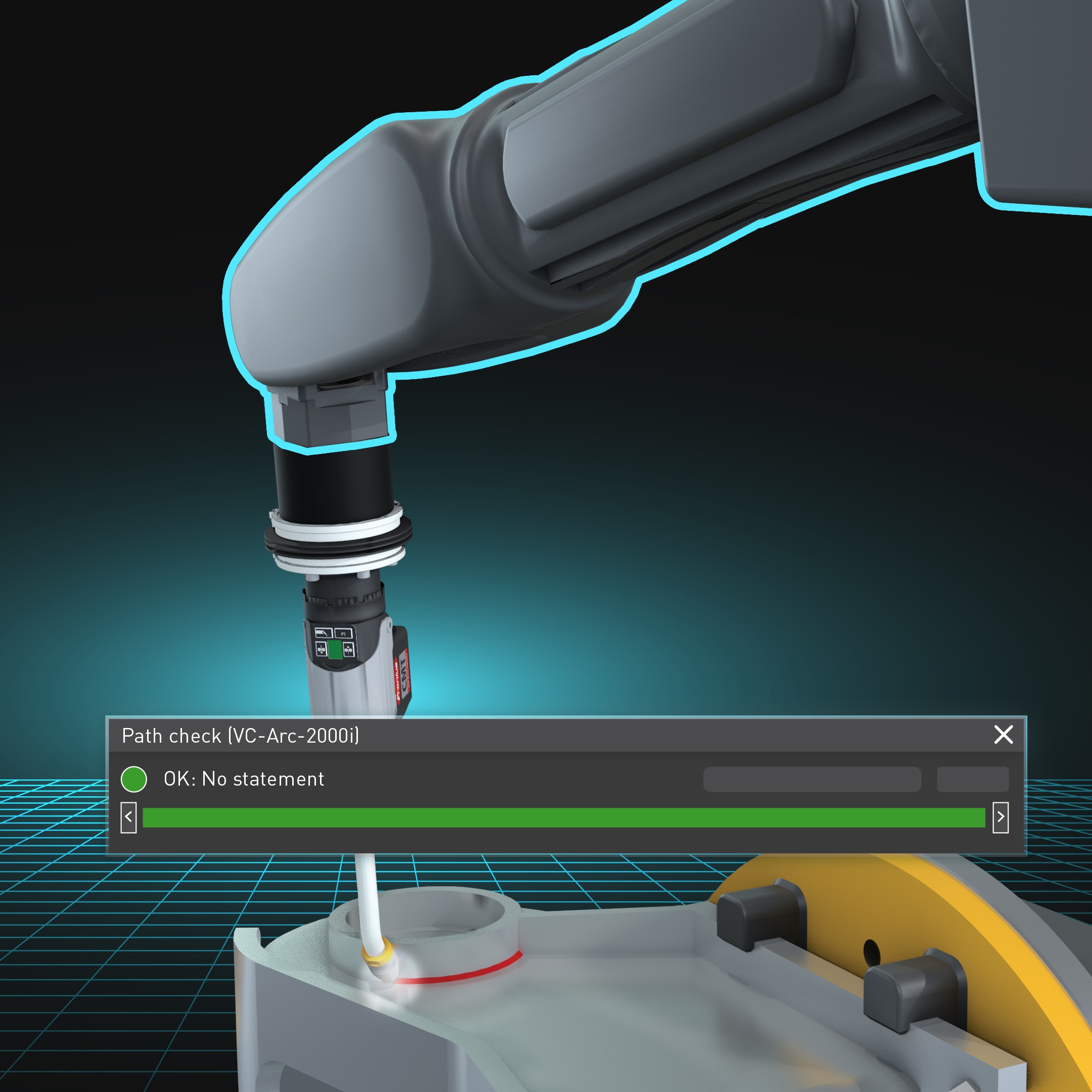
Visual Components 5.0 also makes it easier to program robots across various complex scenarios – without the headache. A new automatic path solver intelligently handles the complex task of planning robot motions that avoid collisions, stay within joint limits, and respect reachability constraints. Instead of spending hours on trial-and-error to fix a robot’s path, you can let the solver do the heavy lifting.
It will generate safe, collision-free paths even in tight spaces or multi-robot cells, dramatically simplifying the programming of complex robotic systems. The solver provides clear visual feedback on the paths it finds, so engineers can easily review and fine-tune the results as needed. By automating path planning, Visual Components 5.0 saves you time and ensures your robot programs are production-ready and error-free.
The new solver is available in Visual Components OLP 5.0 products to all customers with active maintenance or subscription.
Multi-brand support for faster deployment
Manufacturers rarely use just one brand of robot, and switching between vendor-specific tools can be time-consuming. Visual Components OLP 5.0 includes built-in post-processors for 22 robot brands, covering a wide range of industrial robots on the market.
With this multi-brand support, you can program multiple robots in the same environment and export controller-specific code with a single click. There’s no need to manually rewrite programs or switch between different vendor software. This streamlined workflow helps standardize your approach to automation across mixed fleets, reducing setup time and simplifying operations.
The post-processors for 22 robot brands are available in Visual Components OLP 5.0 products.
Welding integration with Fronius connector
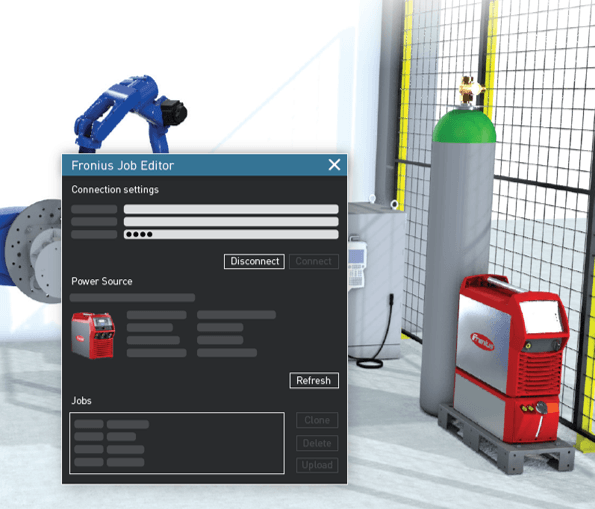
Welding processes demand accuracy and consistency. Visual Components 5.0 introduces a Fronius connector, enabling direct communication with Fronius welding power sources.
This integration allows you to create, edit, and manage weld jobs, complete with all parameter data, directly inside Visual Components, without needing external tools. By ensuring that welding parameters are applied accurately and consistently, it supports repeatable, high-quality welds in both simulations and production. At the same time, it reduces manual setup and accelerates deployment timelines, making advanced welding automation easier than ever.
The Fronius connector is available in Visual Components OLP 5.0 products.
Visual Components 5.0 FAQ
Python 2 is deprecated in Visual Components 5.0 and will be completely removed in version 6.0. We strongly recommend starting to migrate any custom scripts or add-ons to Python 3 now to ensure compatibility with future releases.
Want guidance? Register for our upcoming webinar to learn how to prepare for the migration and best practices for converting Python 2 scripts to Python 3.
Essentials no longer includes a OPC UA connector in version 5.0 onward. However, Essentials can still run your own connectivity plugins. This gives you flexibility to integrate with your preferred platforms and workflows. If you have questions or need guidance, please contact your account manager.
Your account manager is the best point of contact for any questions related to the 5.0 upgrade, add-ons or compatibility.
No. Starting with Visual Components OLP 5.0, automatic path solver is included for all customers with active maintenance or subscription. This means you no longer need to purchase the solver bundle add-on to get access to the automatic path solver feature.
The KUKA.Sim add‑on (built for KUKA System Software 8.x) is not included in Visual Components 5.0. Customers who rely on the existing add‑on can continue using it with Visual Components 4.10, where it remains fully compatible with the KUKA controller versions it was designed to support.
For newer KUKA controller versions, customers should plan to transition to iiQWorks.Sim, which is the simulation environment KUKA supports going forward. An iiQWorks.Sim add‑on for Visual Components is planned, but it is not available with the initial 5.0 release. More information will be shared once it becomes available.
Ready to get started?
Visual Components 5.0 represents a key milestone in our digital transformation strategy – it provides a clearer, faster, and more scalable way to go from concept to reality for modern manufacturing teams. We believe these new features and improvements will empower you to plan and implement automation with greater confidence and efficiency. Explore our release notes to learn more about the new features in Visual Components 5.0.
Ready to experience it for yourself? We invite you to contact us to learn more, request a demo, or get started with Visual Components 5.0 today. The latest version, 5.0, is free for customers with a valid maintenance agreement. Upgrading is easy—start here. Let us help you turn your next manufacturing concept into reality, faster than ever.
Further reading
Introducing Visual Components 4.10 – Design beyond limits
Design beyond limits. That’s the promise of Visual Components 4.10. As manufacturing and robotics evolve, we continue to prioritize usability, ensuring that our tools not only keep up with industry...
Introducing Visual Components 4.9 – Craft with clarity
The latest version of our manufacturing simulation and robot offline programming solution is here, bringing improved clarity to production planning and optimization in manufacturing. With greater clarity, our users can...
Introducing Visual Components Robotics OLP
We're excited to announce a significant upgrade for Visual Components. We've transitioned to a robust solution that serves both manufacturing simulation and robot offline programming. This new offering, named 'Visual...